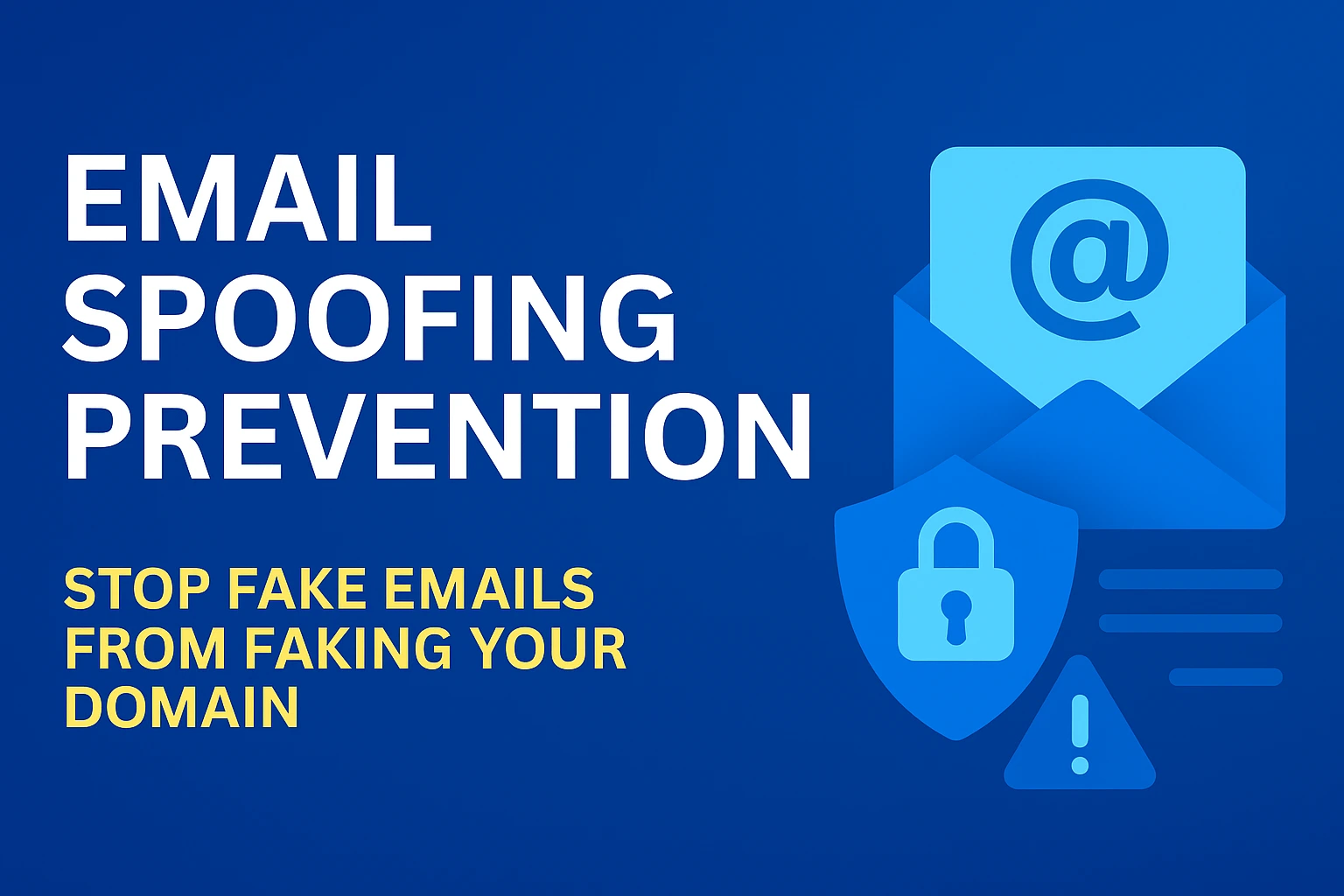
Email spoofing is when an attacker forges the From: address so messages look like they come from someone you trust, a supplier, a bank, or a colleague. For businesses, a single spoofed email can cause data loss, financial fraud, or reputational damage. This article explains email spoofing prevention in plain language and gives you a commercial roadmap you can implement or hand straight to your managed IT provider. You’ll learn what works (and why), the technical controls to deploy, how to monitor results, and which services to consider if you want a hands-off solution.
Why email spoofing matters for businesses
Spoofed email is the most common starter for phishing and BEC (business email compromise) attacks. Attackers impersonate trusted addresses to bypass human judgment and automated controls, driving credential theft, malware delivery, invoice fraud, or unauthorised payments. National cyber authorities and providers recommend layered email authentication and enforcement, because SPF, DKIM and DMARC combined materially reduce the risk of domain-based spoofing. (cyber.gov.au)
The core technical stack for prevention (SPF, DKIM, DMARC)
No single control stops spoofing; you need three working together.
Table — SPF vs DKIM vs DMARC: at a glance
Control | What it checks | Main benefit | Limitations |
SPF (Sender Policy Framework) | Verifies sending server IP against DNS record | Stops unauthorised servers from sending to your domain | Can break with forwarding; checks envelope sender not visible From |
DKIM (DomainKeys Identified Mail) | Cryptographic signature in message headers | Confirms message integrity and origin | Signatures can fail if mail is altered in transit (e.g., some mailing lists) |
DMARC (Policy + Reporting) | Tells receivers how to treat messages failing SPF/DKIM and provides reports | Enables rejection/quarantine of unauthenticated mail + visibility | Requires careful rollout to avoid false rejects |
(Implementation walkthroughs and vendor guidance are available from Microsoft and Google for enterprise mail systems.) (Microsoft Learn)
Practical prevention methods (step-by-step)
Below is a pragmatic sequence you can follow. It’s ordered so each step reduces risk while preserving email deliverability.
1. Inventory all senders and services
List every service that sends mail on your domain: Microsoft 365/Exchange, marketing platforms, payroll, CRMs, printers/scanners, backup alerts. Missing a sender is the common reason SPF/DMARC break legitimate mail.
2. Implement SPF with an accurate record
Create an SPF TXT record that lists authorised sending IPs and include third-party senders with include: statements. Keep the record under DNS length limits and monitor soft fails first (use ~all) while you confirm coverage. See Microsoft & Cloudflare guidance for examples. (Microsoft Learn)
3. Enable DKIM signing for all outbound streams
Turn on DKIM signing for Exchange/365 and your third-party senders (most modern ESPs support it). Store public keys in DNS via CNAME or TXT records. DKIM ensures content hasn’t been tampered with and complements SPF.
4. Publish DMARC and phase enforcement
Begin with a monitoring policy: p=none and request aggregate reports (rua) to collect data. After you validate legitimate senders in reports, progress to p=quarantine and finally to p=reject to permanently block unauthenticated mail. National CERT guidance supports moving to reject once you are confident in your configuration. (CISA)
5. Add monitoring & reporting
Automate collection and analysis of DMARC reports and use tools that convert XML into actionable dashboards. Look for unexpected sending IPs, sudden changes in volume, or failing streams, these are early signs of abuse.
6. Implement inbound filtering and anti-spoofing rules
Combine the authentication stack with gateway filters (spam, malware scanning), sender reputation services, and rules that flag external-to-internal messages or lookalike domains.
7. Phishing simulation & awareness training
Technical controls reduce risk but don’t eliminate human error. Run targeted phishing simulations and provide just-in-time training for high-risk staff (finance, HR, executives). Code Hyper One’s managed services include phishing simulation and security awareness as part of an overall security program.
Advanced measures that strengthen prevention
These are next-level steps for organisations that need higher assurance.
- BIMI (Brand Indicators for Message Identification): adds a verified logo to inboxes for authenticated mail, useful for brand trust once DMARC is enforced.
- MTA-STS and TLS reporting: force TLS for mail in transit and monitor TLS failures to ensure secure delivery.
- Strict DKIM alignment and DMARC adkim=s; aspf=s: enforces stricter matching but needs careful testing.
- Third-party mailbox intelligence / SOC integration: ingest email telemetry into your SOC/SIEM to correlate mail events with endpoint and network telemetry. Code Hyper’s SOC/MDR services integrate email telemetry into threat detection workflows.
Common pitfalls & how to avoid them
- Rushing to p=reject: don’t enforce DMARC before confirming all legitimate senders — you risk losing transactional mail. Start with p=none. (Google Help)
- Overlooking legacy systems: printers, scanners, ERP systems or monitoring tools often send alerts; include them in SPF/DKIM.
- Relying on SPF alone: forwarding breaks SPF — always pair with DKIM and DMARC. (Cloudflare)
- Ignoring DMARC reports: reports are your early-warning system; automate their analysis.
Costs & commercial options (what to expect)
For most SMEs, the options are:
- In-house implementation: IT staff or contractor configures DNS, DKIM keys, DMARC, and reporting. Cost variable; fastest for small numbers of senders.
- Managed email security add-ons: providers offer end-to-end implementation, monitoring, and enforcement with a per-user or per-domain fee. Managed services often bundle phishing simulation and SOC detection. Code Hyper One provides email security and managed cyber services for Sydney businesses that want a turnkey solution.
Quick checklist for your IT lead or vendor
- Inventory every sending service and IP.
- Publish/verify SPF record (start with ~all).
- Enable DKIM for each sending source.
- Publish DMARC p=none with rua/ruf and monitor 30–90 days.
- Move to p=quarantine then p=reject when safe.
- Configure MTA-STS and TLS reporting if available.
- Add anti-spoofing rules and cognitive filters at the gateway.
- Run phishing simulations and targeted awareness training.
- Integrate email telemetry into your SIEM or managed SOC.
- Review quarterly and after any major vendor change (new ESP, marketing platforms, CRM).
How we (or your managed IT partner) validate success
- DMARC pass rate: percentage of inbound mail that passes SPF/DKIM aligned with DMARC (should trend up).
- Reduction in spoofing incidents: fewer impersonation reports and blocked messages.
- Improved deliverability: legitimate mail should continue to reach recipients — monitor bounce and spam rates.
- Faster detection & response: alerts from DMARC + SOC correlations shorten mean time to remediation.
External guidance from national cyber agencies and major providers underscores the real-world benefits of these measures — both for reducing spoofed mail and for improving overall email hygiene. (cyber.gov.au)
Recommended resources & standard references
- Australian Cyber Security Centre — email hardening & anti-spoofing guidance. (cyber.gov.au)
- Microsoft Learn — email authentication and configuration for Microsoft 365/Exchange. (Microsoft Learn)
Conclusion
Email spoofing prevention is a layered problem: DNS authentication (SPF, DKIM, DMARC) is the foundation, gateway filtering and SOC monitoring are the operational glue, and staff training closes the human gap. For businesses that can’t tolerate the risk of invoice fraud, credential theft, or reputational damage, implementing these steps is a practical — and measurable — investment.
If you want a hands-off route, a managed provider can inventory senders, implement SPF/DKIM/DMARC, tune policies, and integrate reports into a 24/7 monitoring service. Code Hyper One delivers these managed email security capabilities and will run the monitoring, enforcement, and post-implementation validation for you.
Frequently Asked Questions
What is the difference between SPF, DKIM and DMARC?
SPF lists authorised sending servers; DKIM signs messages cryptographically to prove origin and integrity; DMARC tells receivers how to treat mail that fails SPF/DKIM and provides reporting. Together they form a reliable anti-spoofing stack. (Cloudflare)
Can DMARC break my legitimate emails?
Yes — if you enforce p=reject before verifying all legitimate senders, some legitimate mail can be rejected. Start with p=none, collect reports, fix issues, then move to stricter policies. (Google Help)
How long does it take to fully protect a domain from spoofing?
For a small domain with few senders, basic SPF/DKIM/DMARC setup and monitoring can take a few days to a couple of weeks. For larger organisations with many third-party senders, the discovery and validation phase can take 4–8 weeks. Moving to full enforcement is phased and depends on report findings and vendor coordination.