Microsoft 365 powers email, collaboration, and file storage for most modern businesses. Because it’s cloud-based, many organisations believe their data is already safe by default. That belief is exactly why data loss incidents keep rising.
M365 backup solutions exist because Microsoft 365 is not a backup system. It is a productivity platform. Microsoft ensures service availability — not long-term data recoverability.
If your business relies on Exchange Online, OneDrive, SharePoint, or Teams, understanding how Microsoft 365 data protection actually works is no longer optional.
Why Microsoft 365 native protection is not a backup
Microsoft provides limited safeguards, such as retention policies and recycle bins. These tools help with short-term recovery, but they were never designed to replace a true backup.
Key limitations include:
- Retention periods that expire automatically
- Permanent deletion after policy thresholds
- No protection against admin errors
- Limited recovery after ransomware or sync corruption
Microsoft is clear about this responsibility model. According to Microsoft’s shared responsibility framework, customers remain responsible for protecting and recovering their own data
This is the exact gap M365 backup solutions are designed to fill.
Common Microsoft 365 data loss scenarios businesses ignore
Most data loss doesn’t come from advanced cyberattacks. It comes from everyday activity.
Real-world examples include:
- Employees deleting shared SharePoint libraries
- OneDrive sync overwriting clean files
- Teams channels removed during restructuring
- Retention policies silently purging old emails
- Ransomware encrypting cloud-synced files
When these happen, Microsoft support cannot restore your environment beyond limited retention windows.
What proper M365 backup solutions actually protect
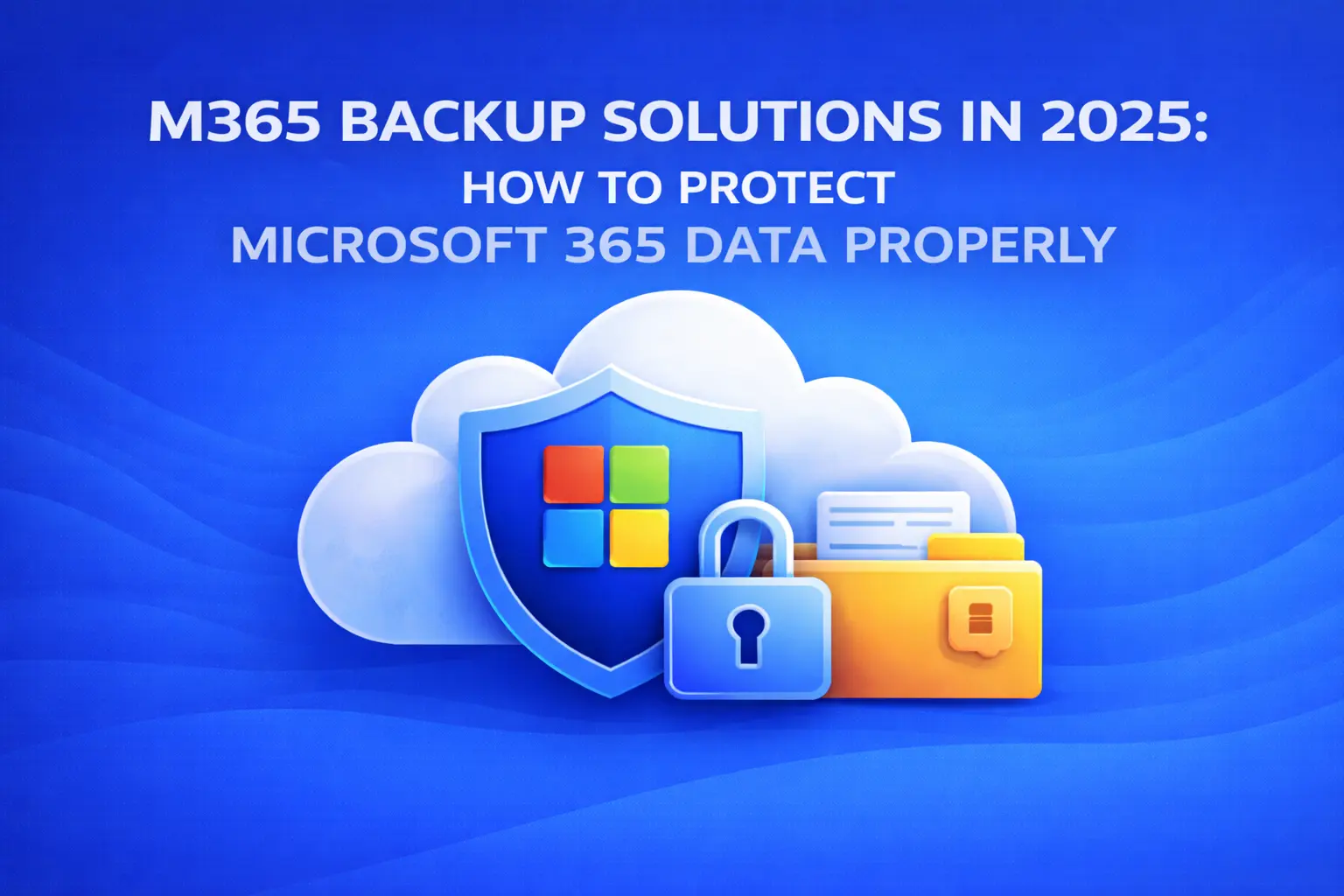
A dedicated Microsoft 365 backup solution creates independent, encrypted copies of your data outside the Microsoft tenant.
This typically includes:
- Exchange Online mailboxes
- OneDrive for Business files
- SharePoint Online sites
- Microsoft Teams conversations and files
The biggest advantage is point-in-time recovery. You can restore specific users, folders, emails, or entire sites without impacting production data.
This level of control is impossible with native Microsoft 365 tools alone.
Native protection vs dedicated M365 backup solutions
Feature | Microsoft 365 Native | M365 Backup Solutions |
Long-term retention | Limited | Fully configurable |
Granular restore | Restricted | File, mailbox, site-level |
Ransomware recovery | Weak | Strong |
Independent storage | No | Yes |
Compliance readiness | Partial | High |
This difference becomes critical during audits, legal discovery, or incident recovery.
Why M365 backup matters for business continuity
Email, files, and collaboration tools are mission-critical. When Microsoft 365 data becomes unavailable, business operations slow or stop entirely.
That’s why Microsoft 365 backup is often paired with broader resilience strategies discussed across modern managed IT environments. Businesses already investing in proactive infrastructure understand that backup is about continuity, not just recovery.
Managed M365 backup vs DIY tools
Many organisations attempt to self-manage backups. This often fails due to:
- Missed backup jobs
- No restore testing
- Misaligned retention policies
- No monitoring or alerting
Managed services solve this by actively monitoring backups, validating restore points, and aligning retention with compliance needs.
Code Hyper provides this through its dedicated Microsoft 365 Backup service, designed specifically for Australian businesses that need predictable recovery outcomes.
This service integrates seamlessly with broader managed IT strategies delivered through Code Hyper One.
Who should be using M365 backup solutions?
You should implement Microsoft 365 backup if:
- Email downtime impacts revenue
- Teams or SharePoint hold operational data
- Staff turnover is frequent
- Compliance or audit requirements apply
- Ransomware risk is a concern
In practice, that means almost every business is using Microsoft 365 at scale.
Final thoughts
Microsoft 365 keeps your business productive. M365 backup solutions keep your business recoverable.
That difference only becomes obvious when something goes wrong — and by then, it’s too late to fix.
FAQs
Is Microsoft 365 backed up automatically?
No. Microsoft provides service availability, not independent backups.
Can Microsoft recover permanently deleted data?
Only within strict retention timeframes. After that, recovery is not guaranteed.
Do M365 backup solutions protect against ransomware?
Yes. Independent backups allow restoration from clean historical versions.
Is Microsoft 365 backup required for compliance?
Many regulatory frameworks require recoverability beyond native Microsoft tools.
Where should Microsoft 365 backups be stored?
Outside the Microsoft tenant, with encryption and access controls.