Most businesses don’t choose their IT strategy. They fall into it.
They wait until something breaks… then call someone.
That approach is called reactive IT — and it’s one of the most expensive, risky ways to run technology in a modern business.
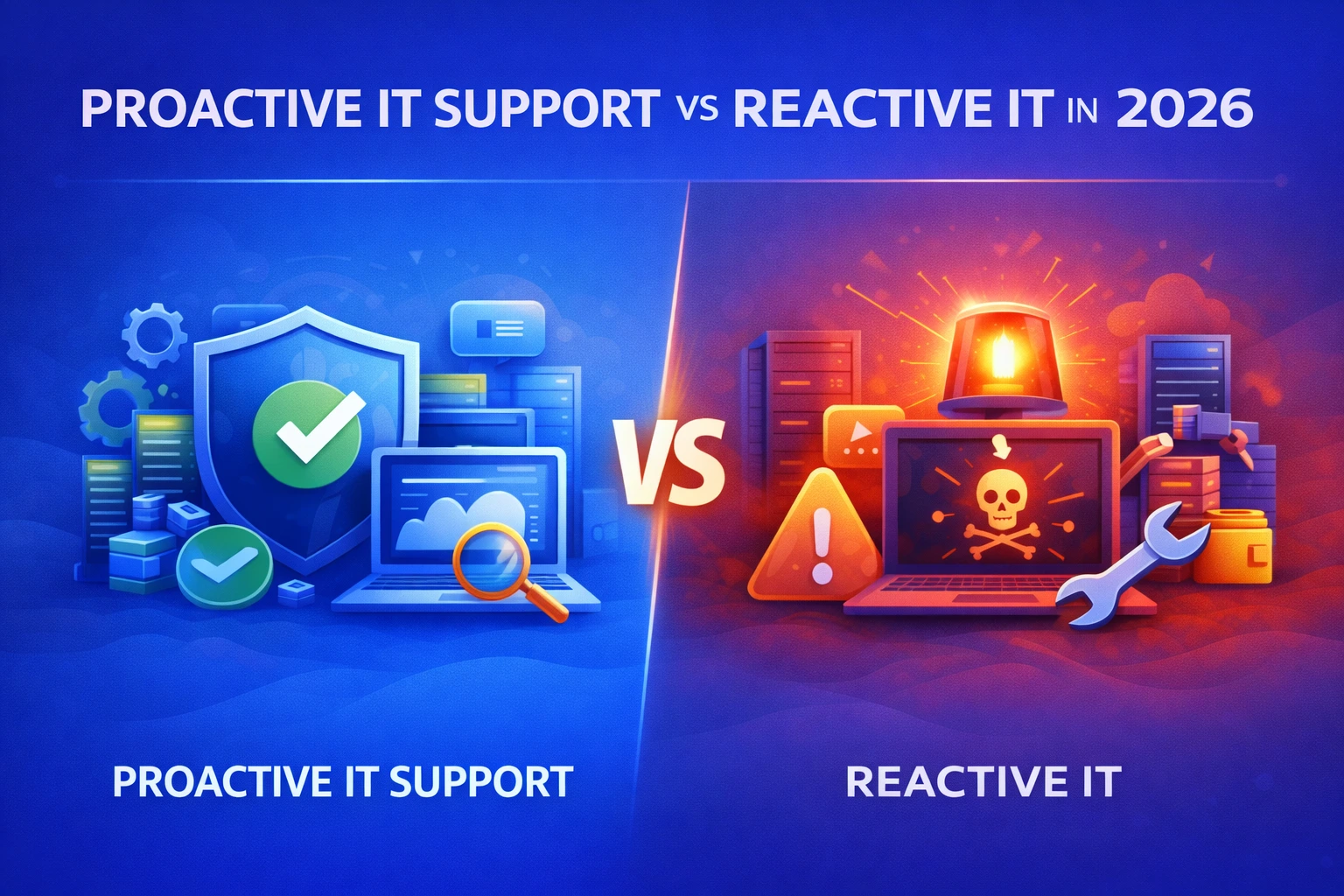
This guide explains the real difference between proactive IT support vs reactive IT, what each model truly costs, and why almost every growing business eventually moves to a proactive, managed approach.
What Is Reactive IT?
Reactive IT means:
- You call IT after something breaks
- You pay per incident or per hour
- There is no continuous monitoring
- There is no prevention strategy
- There is no long-term planning
It’s the digital equivalent of never servicing your car and only fixing it after it breaks down on the highway.
It feels cheaper — until it isn’t.
What Is Proactive IT Support?
Proactive IT support means:
- Systems are monitored 24/7
- Problems are fixed before users notice
- Security threats are blocked early
- Updates, patching, and maintenance are scheduled and controlled
- Your IT environment is actively managed, not ignored
This is the model used in modern managed IT services.
Proactive IT Support vs Reactive IT: The Real Comparison
Area | Reactive IT | Proactive IT Support |
Approach | Fix after failure | Prevent before failure |
Downtime | Frequent and unpredictable | Rare and planned |
Costs | Spikes, emergency fees | Predictable monthly cost |
Security | Largely reactive | Continuous monitoring & prevention |
Productivity | Constant interruptions | Stable, reliable systems |
Planning | None | Ongoing improvement roadmap |
Stress level | High | Low |
This table alone explains why reactive IT slowly kills growing businesses.
The Hidden Costs of Reactive IT
Reactive IT looks cheap on paper.
In reality, it costs more because:
- Downtime stops staff from working
- Emergencies cost more per hour
- Small problems become big failures
- Security incidents go unnoticed
- There is no long-term optimisation
According to IBM’s security research, the average cost of a data breach now runs into millions globally, and most breaches are caused by known issues that were never fixed.
Reactive IT is how those “known issues” stay unfixed.
Why Proactive IT Is Now the Business Standard
Modern businesses depend on:
- Cloud systems
- Remote work
- Cyber security
- Constant uptime
- Compliance and data protection
You cannot run this environment on a wait-for-it-to-break strategy.
That’s why proactive IT is usually bundled with:
- Continuous monitoring
- Patch management
- Backup management
- Security management
- Performance optimisation
And increasingly, managed cyber security services as well.
A Real-World Example
Reactive IT company:
“The server is down. Nobody can work. IT will be here in 3 hours.”
Proactive IT company:
“A disk showed failure risk last night. It was replaced before anyone noticed.”
Same problem. Completely different business outcome.
Security: The Biggest Difference Between the Two Models
Reactive IT responds after damage.
Proactive IT:
- Monitors suspicious activity
- Applies security patches early
- Enforces MFA and access controls
- Detects problems before they spread
Microsoft itself confirms that basic measures like MFA prevent the vast majority of account compromise attacks.
But in reactive environments, these controls are often never properly deployed.
When Does Reactive IT Stop Working?
Reactive IT usually collapses when:
- The company grows past 10–15 users
- Downtime starts affecting customers
- Remote work becomes normal
- A serious security incident happens
- Compliance or insurance requirements appear
At that point, the business is forced — often painfully — into proactive IT.
Is Proactive IT More Expensive?
Monthly, it might look more expensive.
Annually, it is almost always cheaper because:
- Downtime is reduced
- Emergencies are rare
- Staff are more productive
- Systems last longer
- Security incidents are far less likely
It’s the difference between controlling costs and being surprised by them.
Which Model Is Right for Your Business?
If:
- You rely on IT to operate (you do)
- You care about uptime (you should)
- You care about security (you must)
- You want predictable costs (you probably do)
Then, reactive IT is already the wrong model.
How CodeHyper Helps Businesses Move to Proactive IT
CodeHyper provides fully managed IT services that include:
- 24/7 monitoring
- Preventive maintenance
- Security management
- Backup and disaster recovery
- Strategic IT planning
- Fast support when needed
This replaces chaos with control and predictability.
Important Reality Check
Proactive IT does not mean:
- Nothing will ever break
- Nothing will ever go wrong
It means:
- Problems are rarer
- Impact is smaller
- Recovery is faster
- Surprises are minimised
That’s the real business value.
FAQs
Is reactive IT ever okay?
Only for very small, non-critical environments. Even then, it becomes a risk quickly.
Can a business switch from reactive to proactive without disruption?
Yes — a proper onboarding and audit process makes the transition smooth.
Is proactive IT only for big companies?
No. SMEs benefit the most because downtime hurts them more.
Does proactive IT include security?
It should. If it doesn’t, it’s not really proactive.