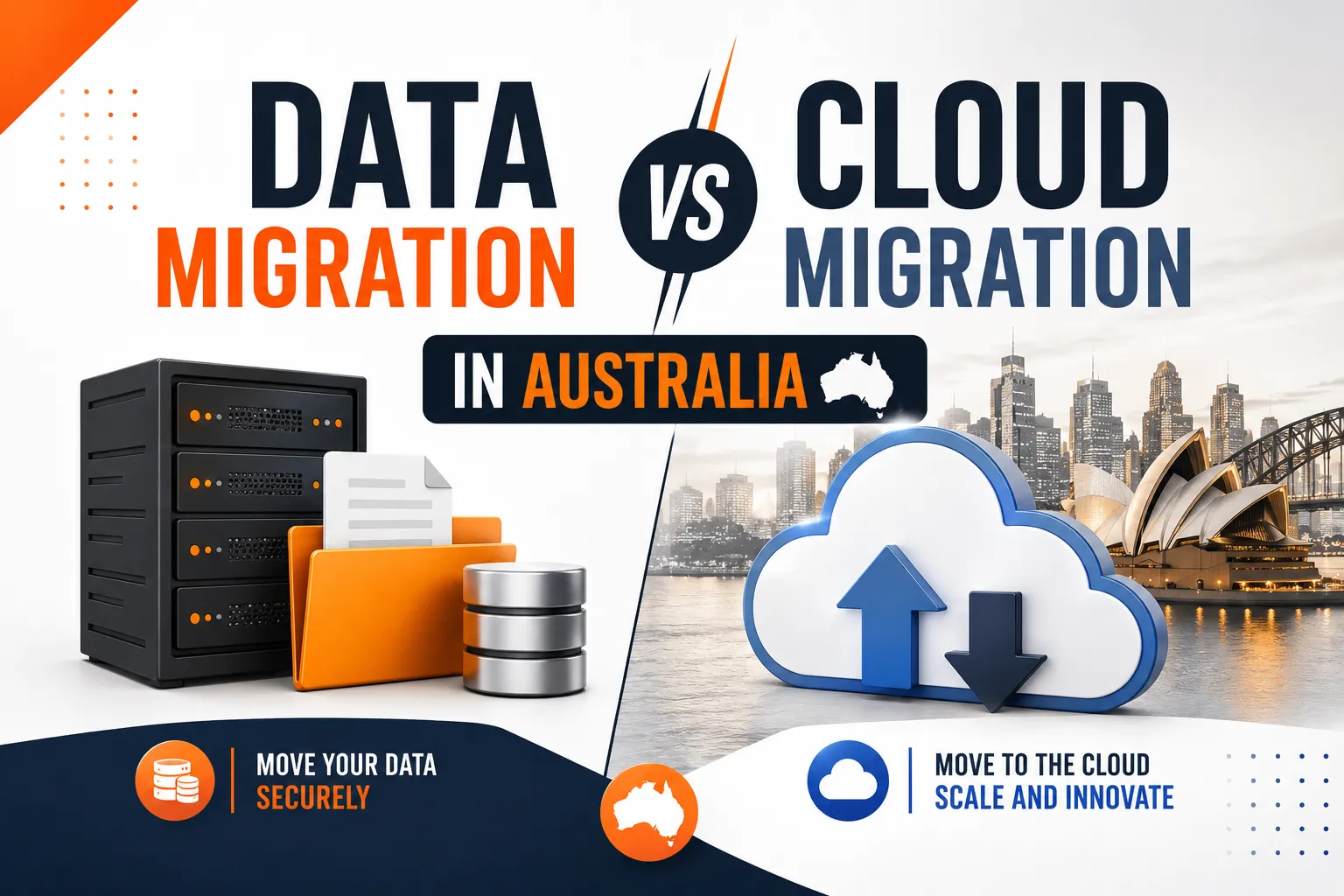
We get asked this a lot, usually by a business owner halfway through a project who has just realised the quote they got doesn’t cover what they thought it did. Data migration and cloud migration sound like the same job. They’re not, and mixing them up is one of the more common ways a project ends up over budget or missing something important.
Here’s the difference in plain terms, and how to work out which one you actually need.
What data migration means
Data migration is the act of moving data from one place to another. That could be old files sitting on a server moving to a new server, a database being shifted to a different platform, or records being pulled out of one piece of software and dropped into another. It doesn’t necessarily involve the cloud at all. You can migrate data between two on premise systems just as easily as between two cloud platforms.
The main things that matter in a data migration are accuracy and completeness. Did everything come across. Did any records get duplicated or dropped. Do the file structures and permissions still make sense once everything has landed in the new location.
What cloud migration means
Cloud migration is a bigger job. It covers the entire move of your infrastructure, applications, email and data away from on premise systems (or another cloud provider) into a cloud environment such as Microsoft 365 or Azure. Data migration is one part of that process, but cloud migration also involves reconfiguring how your team accesses systems, setting up new security controls, and rebuilding workflows that depended on the old setup.
Put simply, every cloud migration includes a data migration. Not every data migration involves the cloud.
Where the confusion actually causes problems
We’ve seen businesses ask for a “quick data migration” when what they actually needed was a full cloud migration, and the two are priced and planned very differently. A straightforward data migration might take a couple of days. A cloud migration involves planning security settings, testing access for every user, and usually staging the rollout over a week or more so nobody loses productivity on the day.
On one project we handled for a Sydney based professional services firm, the original brief was simply to move a shared drive into OneDrive. Once we looked properly at what was actually on that drive, it became clear the business also needed proper permission structures rebuilt, an old file naming mess sorted out, and security settings applied that hadn’t existed on the original server at all. What started as a data migration turned into a small cloud migration project, and the client was glad we caught it before go live rather than after.
That’s the practical difference. A data migration assumes the destination is already set up correctly. A cloud migration includes building that destination properly in the first place.
Which one does your business need
If you’re simply moving files from one storage location to another, and your systems, security and access controls are already sorted, you’re likely looking at a data migration.
If you’re moving away from on premise servers entirely, adopting Microsoft 365 for the first time, or restructuring how your team works day to day, you need a cloud migration, and the data migration will happen as one step inside that larger plan.
A good way to check is to ask whether the destination environment already exists and is configured correctly. If yes, it’s probably just a data migration. If the destination needs to be built, secured and tested from scratch, it’s a cloud migration.
Why this matters for compliance, not just cost
Under the Privacy Act, businesses handling personal information need to know where that data sits and who can access it at every stage of a move. A rushed data migration that skips proper permission mapping can leave files more exposed after the move than before it. This is one of the reasons the Office of the Australian Information Commissioner treats data handling during system changes as a genuine compliance risk, not just an IT detail.
We build security checks into every migration we run, whether it’s a small data move or a full cloud rollout, because getting this wrong quietly is far more common than most businesses realise. If you want a fuller picture of what a proper migration should include, our guide on what cloud migration actually means and our breakdown of common cloud migration challenges cover the details we walk every client through before we start.
How we handle this at CodeHyper
Our team scopes every project properly before quoting on it, which is exactly why we caught the issue in the example above rather than finding out on go live day. We start by mapping what actually exists in your current environment, work out whether the job is a data migration, a cloud migration, or both, and only then put a plan and a price together. It’s a slower first step than some providers take, but it’s the reason our clients don’t get surprise costs halfway through.
If you’re weighing up what your business actually needs, have a look at our cloud migration services or read about the real benefits businesses see from a properly planned migration. And if you’d rather just talk it through, get in touch with our team and we’ll tell you honestly which one you’re actually dealing with.
FAQs
Is cloud migration the same as data migration? No. Data migration is the process of moving data from one location to another. Cloud migration is the broader project of moving your infrastructure, applications and data into a cloud environment, and it includes a data migration as one of its steps.
Which one is cheaper? A standalone data migration is usually cheaper because it’s a narrower job. A cloud migration costs more because it also covers setting up the destination environment, security and access properly, which a simple data move does not include.
Can I do a data migration without moving to the cloud? Yes. You can migrate data between two on premise systems, or between two cloud platforms, without it being a full cloud migration in the traditional sense.
How do I know which one my business needs? Ask whether the destination environment is already properly set up. If it is, you probably just need a data migration. If it needs to be built and secured from scratch, you need a cloud migration.
Does data migration affect compliance under the Privacy Act? Yes. Moving personal information between systems without proper permission and access controls can leave data more exposed than before the move, which is a genuine compliance risk, not just a technical detail.
Who should I ask before starting either type of project? A provider who is willing to assess your current environment before quoting, rather than pricing the job sight unseen. That assessment is usually what reveals whether you’re actually dealing with a data migration or a full cloud migration.