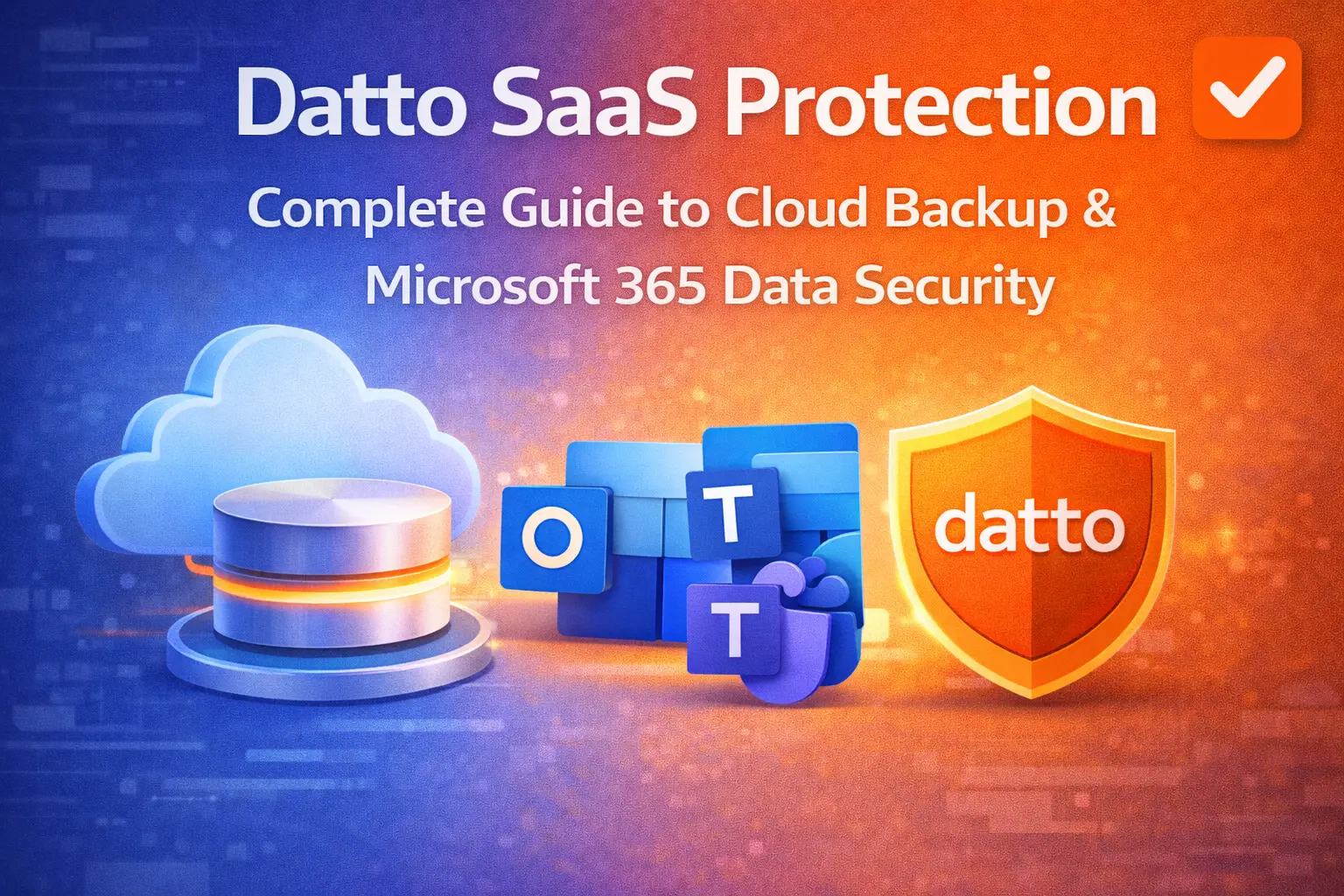
Cloud applications like Microsoft 365 and Google Workspace have transformed how businesses operate. However, many organisations mistakenly assume that cloud platforms automatically protect their data from loss, ransomware, or accidental deletion.
This is where Datto SaaS Protection becomes essential.
In this comprehensive guide, we’ll explain what Datto SaaS Protection is, how it works, why businesses in Australia rely on it, and how it strengthens your overall cybersecurity and business continuity strategy.
If you’re looking for expert SaaS backup solutions, visit our homepage to explore our managed IT and cloud services.
What is Datto SaaS Protection?
Datto SaaS Protection is a cloud-to-cloud backup solution designed to protect data stored in:
- Microsoft 365 (Exchange, OneDrive, SharePoint, Teams)
- Google Workspace (Gmail, Drive, Contacts, Calendar)
- Microsoft Dynamics 365
It provides automated, secure, and scalable backup to ensure that business-critical SaaS data remains recoverable in the event of:
- Accidental deletion
- Ransomware attacks
- Malicious insiders
- Data corruption
- Policy gaps
- Retention limitations
Unlike native retention policies offered by SaaS providers, Datto SaaS Protection gives businesses full control over long-term data protection and rapid recovery.
Why Native Cloud Backup Isn’t Enough
Many organisations believe Microsoft and Google fully protect their data. In reality, these platforms operate under a shared responsibility model.
Microsoft 365 Shared Responsibility
Microsoft 365 ensures infrastructure uptime — but customers are responsible for:
- Data retention
- Accidental deletion recovery
- Ransomware mitigation
- Long-term backups
Microsoft’s recycle bins and retention policies are not designed to function as comprehensive backup solutions.
This gap leaves businesses exposed — especially during sophisticated cyber incidents.
Key Features of Datto SaaS Protection
1. Automated Daily Backups
- Automatic backups up to three times per day
- No manual intervention required
- Unlimited cloud storage retention
2. Granular Restore Options
- Restore entire mailboxes or single emails
- Recover specific files or folders
- Point-in-time recovery
3. Ransomware Protection
- Detect and roll back encrypted files
- Recover clean versions instantly
- Minimise downtime
4. Long-Term Data Retention
- Unlimited retention policy
- Compliant with industry regulations
- Protect former employee data
5. Secure Cloud Infrastructure
- AES 256-bit encryption
- Secure Australian data centres (where applicable)
- Multi-factor authentication support
Benefits of Datto SaaS Protection for Australian Businesses
Business Continuity
Downtime costs Australian SMEs thousands of dollars per hour. Datto ensures rapid recovery to maintain operational continuity.
Compliance & Governance
Industries such as healthcare, finance, and legal must meet strict record-keeping standards. Datto SaaS Protection ensures regulatory compliance and audit readiness.
Ransomware Resilience
Australia continues to see rising ransomware attacks. Having isolated cloud backups prevents attackers from holding your business hostage.
Simplified IT Management
Centralised management dashboards allow IT teams to:
- Monitor backup health
- Perform fast restores
- Generate compliance reports
How Datto SaaS Protection Works
- Connect your Microsoft 365 or Google Workspace tenant
- Configure backup policies
- Automated cloud-to-cloud backups begin
- Data is securely stored in Datto’s protected environment
- Restore anytime through an intuitive dashboard
No hardware is required. The solution is fully cloud-native.
If you want implementation support, explore our SaaS Protection service page here.
Datto SaaS Protection vs Other SaaS Backup Solutions
Feature | Datto SaaS Protection | Native Microsoft Backup | Basic Backup Tools |
Automated Backups | ✅ Yes | ❌ Limited | ⚠️ Varies |
Unlimited Retention | ✅ Yes | ❌ No | ⚠️ Limited |
Ransomware Recovery | ✅ Advanced | ❌ No | ⚠️ Basic |
Granular Restore | ✅ Yes | ⚠️ Limited | ⚠️ Limited |
Centralised Dashboard | ✅ Yes | ❌ No | ⚠️ Basic |
Datto stands out due to reliability, ease of use, and MSP-focused management capabilities.
Who Should Use Datto SaaS Protection?
Datto SaaS Protection is ideal for:
- Small to medium businesses (SMBs)
- Enterprises with compliance requirements
- Law firms
- Healthcare providers
- Accounting firms
- Education institutions
- Remote and hybrid teams
If your organisation relies on Microsoft 365 or Google Workspace, SaaS backup is no longer optional — it’s essential.
Implementation Best Practices
To maximise protection:
Conduct a Backup Audit
Identify critical workloads, data retention requirements, and compliance needs.
Define Recovery Time Objectives (RTO)
Determine how quickly you need to restore operations after data loss.
Implement Multi-Factor Authentication
Enhance account security across Microsoft 365 and backup access.
Schedule Regular Recovery Testing
Test restores to validate backup integrity.
Our experts can guide you through a full SaaS backup strategy. Contact us today!
Common Causes of SaaS Data Loss
Understanding risks strengthens your cybersecurity posture:
- Phishing attacks
- Compromised credentials
- Insider threats
- Sync errors
- API misconfigurations
- Legal hold mistakes
- Employee offboarding errors
Datto SaaS Protection mitigates these risks through independent backup storage.
The Role of SaaS Backup in Cybersecurity Strategy
SaaS backup complements:
- Endpoint security
- Email security
- Multi-factor authentication
- Security awareness training
- Disaster recovery planning
It acts as the final safety net in a layered cybersecurity framework.
Why Choose CodeHyperOne for Datto SaaS Protection?
At CodeHyperOne, we:
- Provide expert consultation
- Implement and manage Datto SaaS Protection
- Monitor backups 24/7
- Perform regular recovery testing
- Ensure compliance alignment
We help Australian businesses build resilient IT environments that withstand modern cyber threats.
Explore more about our Network Security services.
FAQ Section
1. What does Datto SaaS Protection back up?
It backs up Microsoft 365 (Exchange, SharePoint, OneDrive, Teams), Google Workspace (Gmail, Drive, Contacts, Calendar), and Microsoft Dynamics 365.
2. Is Datto SaaS Protection necessary if Microsoft 365 already has retention policies?
Yes. Microsoft 365 follows a shared responsibility model. Retention policies are not a full backup solution and do not protect against all data loss scenarios.
3. How often does Datto SaaS Protection perform backups?
Backups occur automatically up to three times per day, depending on configuration.
4. Can I restore individual emails or files?
Yes. Datto SaaS Protection allows granular restore options, including single emails, files, folders, or entire accounts.
5. Does Datto SaaS Protection protect against ransomware?
Yes. It enables recovery of clean versions of files and emails before encryption occurred.
6. How long is data retained?
Datto SaaS Protection offers unlimited retention, allowing long-term compliance and archival needs.
7. Is Datto SaaS Protection suitable for small businesses?
Absolutely. It is scalable and cost-effective, making it ideal for SMEs across Australia.
8. How do I get started?
You can contact our team for a consultation and implementation support here.