This guide is maintained by the CodeHyper security team. For a backup assessment or structured backup testing programme for your Australian business, contact our team at codehyper.com.au/contact-us/ or visit codehyper.com.au.
If you’re moving to the cloud, you’ll hit this decision fast: do you move your systems as they are, or rebuild them to actually work the way cloud systems should?
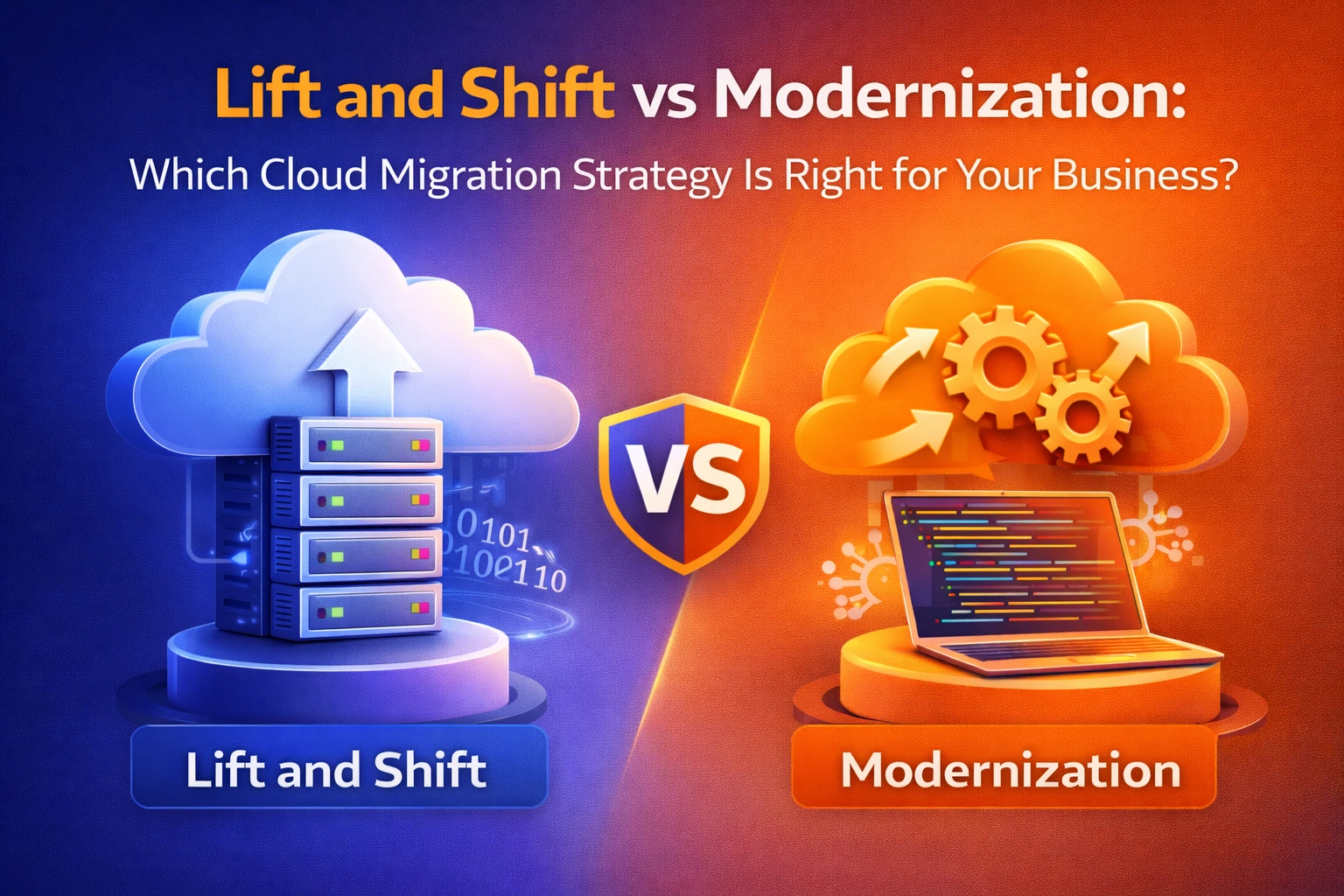
That’s the whole debate. Lift and shift moves things quickly with minimal changes. Modernization rebuilds things properly so you get the actual benefits of being in the cloud. Neither one is “correct.” They solve different problems, and picking the wrong one for your situation is how businesses end up with a bigger cloud bill and none of the improvements they were promised.
Here’s how to tell which one your business actually needs.
What is lift and shift?
Lift and shift means moving your applications, servers and data to the cloud without changing how they work. Same code, same database structure, same setup, just running on cloud infrastructure instead of physical servers. It’s the fastest way out of a data centre, but it doesn’t fix anything that was already inefficient on-premises.
What is cloud modernization?
Cloud modernization means redesigning your applications to use cloud-native tools: auto-scaling, managed databases, serverless functions, containers. Instead of copying your old setup into a new location, you’re rebuilding it to run the way cloud systems are meant to run. It takes longer and costs more upfront, but it’s built for growth instead of just survival.
Lift and shift vs modernization at a glance
Lift and Shift | Modernization | |
Speed | Weeks to a few months | Months to over a year |
Upfront cost | Lower | Higher |
Ongoing cloud cost | Often higher long term | Lower once optimised |
Risk | Low | Medium to high |
Scalability | Same limits as before | Elastic, scales on demand |
Best for | Ageing apps, tight deadlines | Core, revenue-generating systems |
What lift and shift actually costs you later
The upfront price looks great. The problem shows up a few months in.
You pay cloud rates for idle capacity. Most on-prem servers run at 15 to 30% utilisation. On-prem, that waste was a sunk cost. In the cloud, you’re billed for it every hour.
Bad architecture comes with you. If an app was slow and hard to maintain on your old servers, it’s still slow and hard to maintain after the move. The cloud doesn’t fix that on its own.
You miss the tools that make cloud worth it. Auto-scaling, managed databases and serverless functions can cut cost and admin work dramatically, but only if your systems are set up to use them.
When lift and shift is genuinely the right call
It’s not a compromise every time. It’s the right choice when:
- Your data centre lease or hardware is expiring and you need out fast
- The application is being retired or replaced within the next couple of years
- It’s a stable, low-change system that doesn’t need to scale
- Your team and budget aren’t ready for a full rebuild yet
In these cases, lift and shift as a first step, followed by modernizing later, is a completely reasonable strategy. It only becomes a problem when “we’ll modernize later” never actually happens.
When modernization is worth the extra time and cost
Modernize when the system has a future that depends on performance and flexibility:
- It’s customer-facing or tied directly to revenue, like a CRM or ecommerce platform
- Your user base is growing or demand is unpredictable
- You’re shipping updates frequently and need faster release cycles
- You’re planning to use AI, automation or real-time analytics
- You’re in a regulated industry where compliance and audit trails matter
Lift and shift vs replatform vs refactor
These terms get used loosely, so here’s the actual difference:
Lift and shift moves things as-is. No changes to the code or architecture.
Replatform makes small adjustments to take advantage of cloud efficiency, like switching to a managed database, without touching the core application.
Refactor (modernization) redesigns the application itself to run on cloud-native services.
Think of them as a spectrum, not three separate paths. Most businesses use replatforming as a middle step between the two extremes.
A simple way to decide
For each application, ask:
- Will it be retired within two years? If yes, lift and shift.
- Does it change or update often? If yes, lean modernize.
- Is it customer-facing or revenue-critical? If yes, lean modernize.
- Does it need to scale with demand? If yes, lean modernize.
- Is getting to the cloud fast your top priority right now? If yes, lift and shift first, modernize later.
Most businesses don’t pick one strategy for everything. They modernize the systems that matter most, replatform a few in the middle, and lift and shift the rest.
FAQs
What does lift and shift mean? It means moving an application to the cloud exactly as it is, without redesigning it. Same functionality, new location.
Is lift and shift cheaper than modernization? Upfront, yes. Over three to five years, modernization usually costs less overall because it eliminates the waste of paying cloud prices for an unoptimised setup.
Can I lift and shift now and modernize later? Yes, and it’s a common approach. Just set a modernization roadmap before you migrate, otherwise “later” tends to never arrive.
What’s the difference between lift and shift and replatforming? Lift and shift makes no changes. Replatforming makes small, targeted improvements, like moving a database to a managed service, without a full rebuild.
Getting it right for your business
There’s no universal answer here. It depends on your applications, your timeline, and what you actually need each system to do over the next few years.
If you want help figuring out which of your applications should be lifted, replatformed, or fully modernized, our team runs a straightforward assessment to map that out before you commit to anything. Get in touch and we’ll walk you through it.