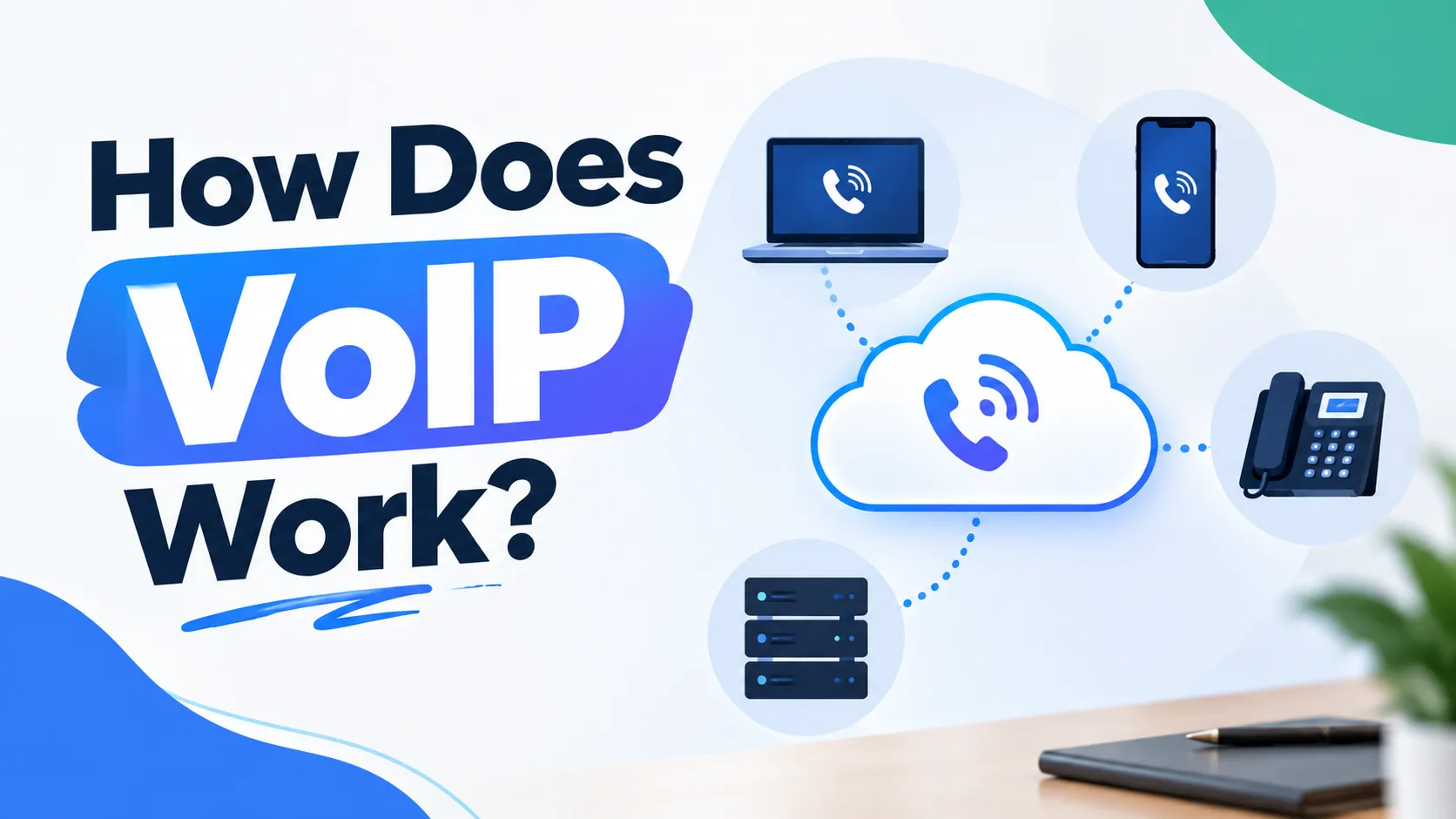
You pick up a VoIP handset, dial a number, and a second or two later you’re talking to someone across the country as if nothing unusual is happening. Nothing about it feels different to a normal phone call. Underneath, quite a lot is happening in a very short window of time, and understanding it makes troubleshooting a dodgy call far less mysterious when it eventually happens.
The short version
VoIP takes your voice, turns it into digital data, breaks that data into small pieces, and sends those pieces across the internet to the other person, where it all gets put back together fast enough that you never notice the process happening at all.
What actually happens, step by step
Your voice gets captured. A microphone, whether it’s built into a handset, a headset or a laptop, picks up the sound of your voice as an analogue signal, the same way any phone or microphone always has.
It gets converted into digital data. A piece of software called a codec compresses that analogue signal into digital data, small enough to travel efficiently over the internet without needing an enormous amount of bandwidth.
The data gets broken into packets. Rather than sending your voice as one continuous stream, the system splits it into small chunks called packets, each one labelled with where it needs to go and what order it belongs in.
The packets travel across the internet. Each packet finds its own way to the destination, sometimes travelling slightly different paths depending on network conditions at that exact moment, then arriving at the other end within milliseconds.
The receiving device puts it back together. The other person’s phone or app reassembles the packets in the correct order and converts the digital data back into sound, fast enough that the conversation feels completely natural and instant.
SIP handles the setup and teardown. While all of that is carrying your actual voice, a separate process called Session Initiation Protocol is quietly managing the call itself, connecting it, placing it on hold if needed, and ending it cleanly when you hang up. If you want a deeper look at exactly what that involves, our guide on SIP versus VoIP covers the relationship between the two.
What actually determines whether a call sounds good or bad
This is the part most people never think about until a call starts breaking up, and it usually comes down to one of three things.
Bandwidth is how much data your connection can carry at once. A VoIP call itself doesn’t need much, but if several things are competing for the same connection at the same time, quality can suffer.
Jitter is when packets don’t arrive at a steady, even pace. Picture cars leaving a set of traffic lights all at once instead of at a steady, even interval. Even if they all arrive eventually, the uneven spacing causes problems for whatever’s waiting to reassemble them in order, which is exactly what causes that robotic, broken up sound on a bad call.
Packet loss happens when some of those small chunks of data simply don’t make it at all. A small amount is usually unnoticeable. Too much, and chunks of your conversation genuinely go missing, which is why a call can suddenly drop a word or two mid sentence.
None of these are usually about your internet plan being too slow in the traditional sense. They’re almost always about consistency, not raw speed, which is why a fast but congested connection can sound worse than a slower, steadier one.
The hardware and software actually involved
A VoIP handset works much like a traditional desk phone but connects through your network instead of a phone line. An analogue telephone adaptor lets you keep using an existing phone by converting its signal into something a VoIP system can carry. A softphone is simply an app on a computer or mobile that does the same job without any physical handset at all. Most businesses end up using a mix of these depending on how each person actually works.
A real example of this going wrong, and why
We had a client whose VoIP calls were fine most mornings and fell apart consistently every afternoon. It wasn’t the internet plan, and it wasn’t the VoIP provider either. Their office network had no prioritisation set up at all, so once the afternoon shift kicked in and several staff started uploading large files at the same time, voice traffic was competing on equal footing with everything else on the network. Setting up basic traffic prioritisation so voice packets got sent ahead of large file transfers fixed it completely, without changing the internet plan or the phone system at all. It’s a good reminder that VoIP problems often aren’t VoIP problems, they’re network configuration issues wearing a VoIP costume.
Keeping call quality solid
A wired connection is generally more stable than Wi-Fi for anything voice related, particularly in a busy office. Setting up quality of service, sometimes called QoS, on your router or firewall ensures voice traffic gets priority over less time sensitive data like file downloads. And having enough upload speed matters just as much as download speed, since a call is a two way stream the whole time it’s active. If you’re not sure whether your current connection has the headroom for reliable calls alongside everything else your team does, our guide on how much internet speed a business actually needs is worth a read, and running a quick check through a tool like Speedtest can tell you where your connection actually stands right now.
If your calls aren’t sounding the way they should
Most call quality issues come down to network setup rather than the VoIP system itself, which is exactly why the fix is often simpler than people expect once someone actually looks at what’s happening on the network. We help Sydney businesses diagnose exactly this kind of thing, rather than just swapping providers and hoping the new one behaves differently. Have a look at our VoIP phone services for how we set systems up properly from the start, or get in touch with our team if your calls have been dropping out and nobody’s been able to tell you why.
FAQs
Does VoIP need a fast internet connection to work well? Not necessarily fast, but consistent. A single VoIP call uses relatively little bandwidth. What actually causes poor call quality is usually jitter or packet loss caused by network congestion, not a lack of raw speed.
Why do my VoIP calls sound choppy or robotic sometimes? This is usually caused by jitter, where data packets arrive at uneven intervals rather than a steady pace. It’s often a network configuration issue, such as voice traffic competing with other activity on the same connection, rather than a problem with the VoIP system itself.
Can VoIP work over Wi-Fi? Yes, though a wired connection is generally more stable, particularly in a busy office with several devices competing for the same wireless network at once.
What is a codec and why does it matter for VoIP? A codec is the piece of software that compresses your voice into digital data for transmission and then decompresses it at the other end. Different codecs balance call quality against how much bandwidth they use, which affects overall call clarity.
Do I need special hardware to use VoIP? Not always. You can use a dedicated VoIP handset, an analogue adaptor with an existing phone, or simply a softphone app on a computer or mobile, depending on how your team actually works.
Is VoIP call quality generally as good as a traditional landline? Yes, and often better, provided the underlying network is set up properly with enough consistent bandwidth and, ideally, some traffic prioritisation for voice. Most quality issues trace back to network setup rather than VoIP itself.