A slow app, a dropped VPN session, a “the internet’s down” call from a staff member working from home, on paper these all look like network problems. In practice, they can be three completely different issues sitting in three different parts of your infrastructure. Without proper visibility, your IT team is troubleshooting blind.
This is where a lot of businesses get their terminology mixed up. They search for “network monitoring tools” when what they actually need is network visibility. A broader, more security-aware view of everything happening across your network, not just whether a device is pinging back.
Network Visibility vs Network Monitoring: What’s the Difference?
Monitoring answers one question: is it up or down? Visibility answers a much bigger one: what is actually happening on my network right now, and is any of it a threat?
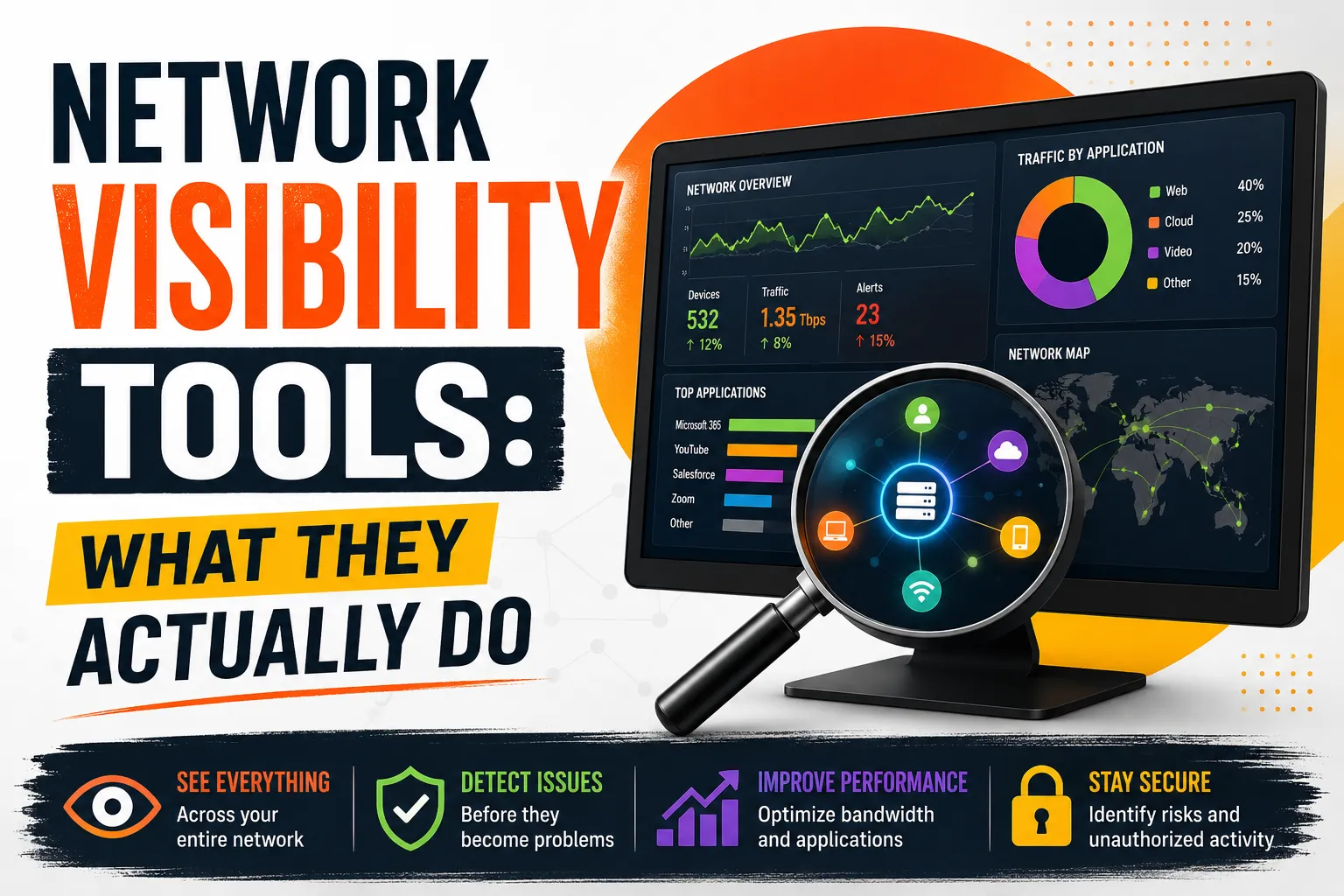
A monitoring tool might tell you a firewall interface is at 90% capacity. A visibility platform tells you why – which device, which user, which application, and whether that traffic pattern matches something malicious. Visibility combines device discovery, traffic flow analysis, log data and behavioural analytics into one picture, rather than a wall of uptime graphs.
That distinction matters more than ever. Roughly 95% of web traffic is now encrypted, which means older tools that only inspect visible payloads are effectively working with one eye closed. Modern network visibility tools instead lean on metadata, flow records and behavioural patterns to spot problems without needing to decrypt everything. A shift that’s reshaping how network detection and response platforms are built for 2026.
Why This Matters for Australian Businesses Right Now
For Sydney and NSW businesses in particular, visibility isn’t just an IT nicety anymore. It’s fast becoming a compliance expectation. The Essential Eight framework from the Australian Cyber Security Centre assumes you can see what’s happening on your network well enough to detect and respond to incidents quickly. We’ve broken down what that actually involves in our guide to the Essential Eight framework, and NSW’s own cyber security legislation is pushing reporting and visibility obligations further down into mid-sized organisations, not just government agencies.
There’s also a very practical reason: you can’t defend, back up, or migrate what you don’t know exists. Shadow IT, forgotten IoT devices, unmanaged laptops and unpatched servers are the assets attackers find first, precisely because nobody was watching them.
What a Good Network Visibility Tool Should Actually Show You
Not every platform needs every feature below, but a serious visibility tool should cover most of this ground:
- Automated asset discovery — a live, accurate inventory of every device, server and endpoint connected to your network, updated continuously rather than manually.
- Traffic flow and bandwidth analysis — which applications and users are consuming bandwidth, and whether that pattern is normal.
- East-west (internal) traffic visibility — most monitoring tools focus on traffic entering and leaving the network. Attackers who get past the perimeter move sideways between internal systems, which is exactly where basic tools stop looking.
- Behavioural and anomaly detection — baselining “normal” so unusual logins, data transfers or lateral movement stand out automatically instead of getting buried in noise.
- Cloud and hybrid coverage — visibility into Microsoft 365, cloud storage and SaaS platforms, not just on-premises switches and routers.
- Integration with your wider security stack — feeding alerts into an EDR or SOC function so visibility actually leads to a response, not just a dashboard.
The Blind Spots Most Businesses Don’t Plan For
A common mistake is buying a tool based on how many metrics it can collect, then discovering it only sees part of the network. A few blind spots we see regularly with clients before we get involved:
- Remote and hybrid staff. A visibility tool scoped only to the office LAN misses everything happening on a home network or a laptop connecting through mobile data.
- Encrypted traffic. As noted above, if a tool relies purely on inspecting payloads, it’s blind to the majority of modern traffic by default.
- Cloud applications. Microsoft 365, SharePoint and Teams traffic often bypasses traditional network monitoring entirely, which is why we usually pair network visibility with dedicated Microsoft 365 security controls.
- Alert fatigue. A tool that fires hundreds of low-priority alerts a day trains your team to ignore them. Which is worse than having no alerts at all. Good platforms correlate signals and only escalate what genuinely needs a human.
If you’re unsure how exposed your current setup is, it’s worth reading our breakdown of common cybersecurity gaps. Most of them start with something nobody could see.
Should You Buy the Software, or the Outcome?
This is the part most “best tools” lists skip entirely, and it’s the part that actually matters for a small or mid-sized business: buying a licence is only step one. Someone still has to configure sensors correctly, tune thresholds so alerts are useful, watch dashboards outside business hours, and actually respond when something looks wrong.
For businesses without a dedicated in-house security team, that’s usually the gap between owning a tool and having real visibility. This is exactly why network visibility is normally delivered as part of a broader managed service, combining proactive monitoring and RMM with human oversight through a security operations centre, rather than a piece of software sitting on a shelf. If you’re weighing up whether a NOC or a SOC is the right fit for your visibility needs, our comparison of NOC vs SOC is a useful next read.
A Simple Checklist Before You Choose
- Does it cover on-premises, cloud and remote endpoints, not just the office network?
- Can it see and analyse east-west (internal) traffic, not only inbound/outbound?
- Does it integrate with your existing EDR or antivirus, rather than duplicating it? Our comparison of EDR vs antivirus explains why this overlap matters.
- Will alerts route somewhere a human actually reviews them, day and night?
- Does the vendor or provider support Essential Eight or a recognised framework like NIST?
- Is there a plan for who tunes and maintains it after the first month?
Getting Visibility Right, Without Adding to Your Workload
Network visibility tools are only as good as the strategy and people behind them. Buying the most feature-rich platform on the market won’t help if nobody is watching it at 2am, and it won’t stop an incident if it’s not connected to a response plan. Something we cover in more depth in our guide to mastering incident response.
We build network visibility into our broader network security services for Sydney businesses, pairing the right monitoring and detection tools with a team that actually watches, tunes and acts on what they find, so visibility turns into protection rather than another dashboard nobody has time to check.
If you’re not sure how much of your network you can currently see, get in touch with our team for a straightforward chat about where your blind spots are and what it would take to close them.
FAQs
What’s the difference between network visibility and network monitoring? Monitoring tells you whether something is online and performing within normal limits. Visibility goes further, showing you what devices, users and traffic patterns exist across your network, Including internal traffic, so you can spot security issues, not just outages.
Do small businesses actually need network visibility tools, or is this just for enterprises? Small and mid-sized businesses are often more exposed, not less, because they typically lack a dedicated security team to notice problems manually. A right-sized visibility solution, delivered as a managed service, closes that gap without requiring you to hire an in-house SOC.
Can network visibility tools see encrypted traffic? Not by reading the contents directly. Modern tools analyse metadata, traffic patterns and behaviour instead of decrypting payloads, which is important given the vast majority of web traffic today is encrypted by default.
How does network visibility relate to compliance frameworks like the Essential Eight? Several Essential Eight controls, such as restricting admin privileges and patching promptly, rely on knowing exactly what’s on your network and how it’s behaving. You can’t apply or verify these controls without visibility into your assets and traffic first.
What’s the difference between network visibility tools and an EDR platform? EDR focuses on individual endpoints – laptops, servers and devices. Network visibility looks at the traffic moving between them. The two are complementary: EDR tells you a device is compromised, while network visibility can show how it’s communicating and whether it’s affecting the rest of the network.
Should we buy a visibility tool ourselves or use a managed provider? It depends on whether you have staff available to configure, tune and monitor alerts around the clock. Many businesses find it more cost-effective to get visibility delivered as part of a managed network security service, so the tool comes with the people needed to act on what it finds.