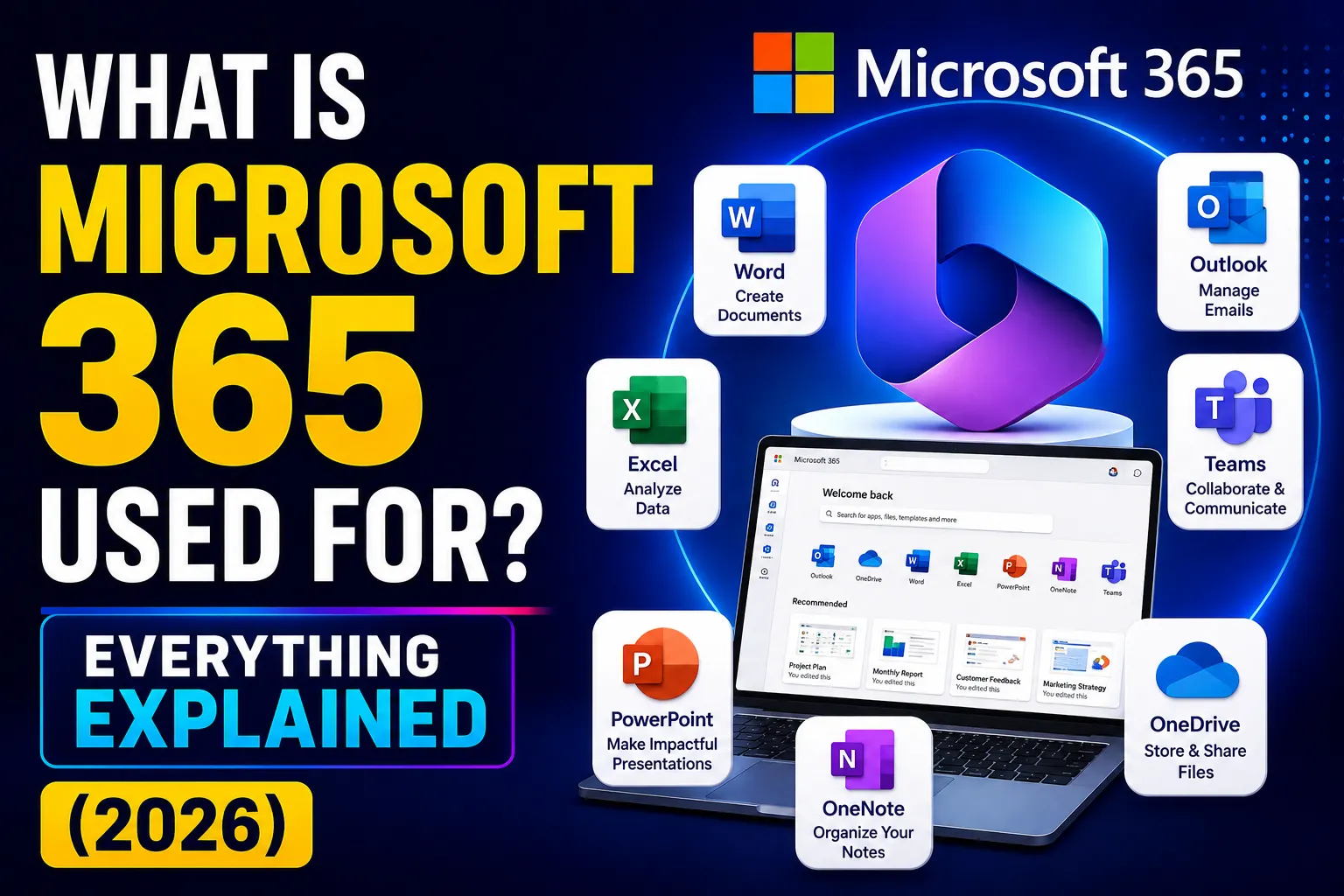
Quick Answer: Microsoft 365 is a subscription that gives your business email, Word, Excel, PowerPoint, Teams, OneDrive cloud storage, and security tools – all in one monthly cost. It replaced what used to be called Office 365, and it now includes AI features, device management, and advanced cybersecurity depending on the plan you choose.
Key Takeaways
- Microsoft 365 combines productivity apps + cloud storage + team communication + security in one subscription.
- The three main business plans are Basic ($9/user/month), Standard ($18.70/user/month), and Premium ($32.90/user/month) in Australia (ex-GST, annual billing, as of June 2026).
- Business Premium is the best value for most Australian businesses – it includes security and device management tools that would cost much more separately.
- Microsoft 365 includes AI (Copilot Chat) in Business Standard and above from 2026.
- Prices increase across most plans from 1 July 2026 – locking in now saves money.
- For Australian compliance (Privacy Act, Essential Eight), Business Premium is the plan that covers the most regulatory requirements.
What Exactly Is Microsoft 365?
Microsoft 365 is a cloud-based subscription service from Microsoft.
You pay a monthly or annual fee per user and get access to a bundle of apps and services your business uses every day. Everything is connected – write a document in Word, save it to OneDrive, share it in Teams, and email a link through Outlook. All from any device, anywhere.
It replaced the old model of buying Office as a one-time disc you installed on one PC. With Microsoft 365, the apps are always up to date, always available, and work on your laptop, phone, tablet, and browser.
Over one million companies in Australia use Microsoft 365, according to Microsoft Australia.
What Is Microsoft 365 Used For? The 7 Main Uses
1. Email and Calendar (Outlook + Exchange)
Every Microsoft 365 business plan includes professional email at your own domain – yourname@yourcompany.com.au – not a free Gmail or Hotmail address.
You get Outlook on desktop and mobile, a shared calendar, contact management, and 100GB of mailbox storage per user (as of June 2026 update).
This alone justifies the cost for most small businesses.
2. Creating Documents, Spreadsheets, and Presentations
Word, Excel, and PowerPoint are included in Standard and Premium plans as full desktop applications.
Basic plan users get the web versions – which are free online and perfectly adequate for most tasks. If your team creates complex spreadsheets or formatting-heavy documents daily, desktop apps are worth the upgrade.
All files save automatically to the cloud and can be edited by multiple people at the same time – no more emailing “Final_v3_REAL.docx” back and forth.
3. Team Communication and Video Calls (Microsoft Teams)
Teams is Microsoft’s answer to Zoom and Slack – built right into Microsoft 365.
It handles:
- Video meetings (internal and external)
- Team chat and direct messages
- File sharing with your whole team
- Channels for different departments or projects
For remote and hybrid teams, Teams is often the most-used app in the entire Microsoft 365 suite. According to Microsoft, Teams has over 320 million active users globally.
Our Microsoft Teams services guide explains how Australian businesses get the most out of Teams.
4. Cloud Storage and File Sharing (OneDrive + SharePoint)
Every user gets 1TB of OneDrive storage – that’s 1,000GB per person for personal work files.
OneDrive syncs to your desktop so files appear in File Explorer like any local folder. The difference: they are backed up to the cloud automatically, accessible from any device, and never lost if your laptop dies.
SharePoint is the team version – a central intranet where departments store shared documents, policies, and resources. Think of it as a shared network drive that works across offices and remote locations without VPN.
Our SharePoint guide and OneDrive guide cover configuration for Australian businesses.
5. Security and Device Management (Premium Plans)
This is where Microsoft 365 becomes more than just a productivity suite.
Microsoft 365 Business Premium includes:
- Microsoft Defender for Business – antivirus and threat detection for all devices
- Microsoft Intune – remotely manage every laptop, phone, and tablet your team uses
- Entra ID Plan 1 – Conditional Access (block logins from untrusted devices or overseas)
- Defender for Office 365 – protection against phishing emails and malicious attachments
- Microsoft Purview – classify and protect sensitive files and emails
These tools would cost $30–$50 per user per month as separate products. In Business Premium, they are all included at $32.90/user/month.
For Australian businesses that need to meet the ACSC Essential Eight or Privacy Act obligations, Business Premium is not optional – it is the minimum sensible starting point.
6. AI Tools (Microsoft Copilot)
Microsoft 365 now includes Copilot Chat built into Word, Excel, PowerPoint, and Outlook.
What it does in plain English:
- In Word: Draft a document from a prompt or summarise a long report
- In Excel: Analyse data, spot trends, and write formulas from a description
- In Outlook: Summarise long email threads, draft replies in your tone
- In Teams: Summarise what you missed in a meeting you could not attend
Copilot Chat is included in Business Standard and Premium from the 2026 plan updates. More advanced Copilot features (Copilot for Microsoft 365 add-on) are available separately and are worth evaluating for teams with heavy document and analysis workloads.
7. Business Tools for Scheduling, Payments, and Forms
Microsoft 365 Standard and Premium include tools that most businesses do not realise are there:
- Microsoft Bookings – online booking pages for client appointments
- Microsoft Forms – surveys, quizzes, and intake forms
- Microsoft Planner – simple project and task management
- Microsoft Lists – shared spreadsheets and databases for tracking anything
These alone can replace several separate SaaS subscriptions.
Microsoft 365 Business Plans: Which One Do You Need?
As of June 2026, Australian business pricing is (ex-GST, annual billing): Business Basic at AU$9.00/user/month, Business Standard at AU$18.70/user/month, and Business Premium at AU$32.90/user/month.
Basic | Standard | Premium | |
AUD/user/month (annual) | $9.00 | $18.70 | $32.90 |
Web Office apps | ✅ | ✅ | ✅ |
Desktop Office apps | ❌ | ✅ | ✅ |
Teams | ✅ | ✅ | ✅ |
Email (100GB mailbox) | ✅ | ✅ | ✅ |
OneDrive (1TB) | ✅ | ✅ | ✅ |
Copilot Chat | ❌ | ✅ | ✅ |
Bookings, Webinars | ❌ | ✅ | ✅ |
Microsoft Defender | ❌ | ❌ | ✅ |
Intune (device management) | ❌ | ❌ | ✅ |
Conditional Access (Entra P1) | ❌ | ❌ | ✅ |
Email security (Defender for O365) | ❌ | ❌ | ✅ |
Prices are subject to change from 1 July 2026. See Microsoft’s official pricing page for the latest rates.
Who Should Choose Each Plan?
Basic ($9/user/month) – staff who only need email, Teams, and access to web Office apps. Good for warehouse staff, field workers, or roles that mostly use email and simple forms.
Standard ($18.70/user/month) – staff who work with documents, spreadsheets, and presentations daily. Most office-based employees fall here. Now includes Copilot Chat.
Premium ($32.90/user/month) – anyone whose device handles sensitive data, accesses client systems, or works in a role that creates compliance risk. This is the right plan for most Australian businesses as their primary tier.
The smart move for most businesses: Mix plans. Put most staff on Standard or Premium. Put warehouse, retail, or field staff on Basic. You only pay for what each role actually needs.
Is Microsoft 365 Worth It?
For most Australian businesses: yes, clearly.
Here is the honest maths for a 10-person business on Business Premium:
- 10 × $32.90 = $329/month (ex-GST)
- Includes: Outlook email, all Office apps, Teams, 1TB storage each, Defender antivirus, Intune device management, Conditional Access, email security
Buying these separately: email hosting (~$8/user), standalone Office licences (~$15/user amortised), security tools (~$15/user), device management (~$10/user) = ~$48/user/month – 46% more expensive.
Capterra user reviews consistently rate the value and integration of Microsoft 365 as its strongest points – over 2.5 million verified reviews.
Microsoft 365 and Australian Compliance
For Australian businesses, Microsoft 365 Business Premium directly supports:
- Privacy Act 1988 / NDB scheme – Purview sensitivity labels and Defender reduce breach likelihood and provide the audit trail for NDB investigations
- ACSC Essential Eight – MFA (Entra), application control (Defender), patching (Intune), email security (Defender for Office 365) are all included
- Cyber insurance requirements – insurers ask specifically about MFA, EDR, and email security. All three are in Business Premium.
Our Microsoft 365 security guide and Essential Eight checklist explain exactly which M365 features satisfy which controls.
Related Reading
- Microsoft 365 Security – Configuring M365 to protect your business
- What Is Microsoft Entra ID – The identity layer behind M365 sign-in and security
- Microsoft Teams – Getting the most out of Teams for your business
- SharePoint – Using SharePoint as your business intranet and document hub
- OneDrive – Cloud storage and file sync for Microsoft 365
- Microsoft 365 Copilot Pricing Australia 2025 – The AI add-on pricing explained
- M365 Backup Solutions – Why Microsoft 365 needs a separate backup
Frequently Asked Questions
What is Microsoft 365 used for?
Microsoft 365 is used for email, creating and editing documents and spreadsheets, video calls and team communication through Teams, cloud file storage via OneDrive and SharePoint, cybersecurity (in Business Premium), device management, and AI-assisted work through Microsoft Copilot. It is a single subscription that replaces several separate tools – email hosting, Office software licences, video conferencing, and security tools – in one monthly cost per user.
What is the difference between Microsoft 365 and Office 365?
Microsoft 365 is the new name for Office 365, rebranded in 2020. Microsoft 365 includes everything that was in Office 365 plus additional security features, compliance tools, and AI capabilities depending on the plan. If you are on an older Office 365 plan, you are likely already on a plan that has been renamed and upgraded to Microsoft 365.
What apps are included in Microsoft 365?
Microsoft 365 includes Outlook (email), Word, Excel, PowerPoint, OneNote, Teams (video calls and chat), OneDrive (cloud storage), SharePoint (team file sharing and intranet), and Microsoft Defender (security). Business Standard and Premium also include Microsoft Bookings, Forms, Planner, and Lists. Business Premium additionally includes Intune (device management), Entra ID Plan 1 (Conditional Access), and Defender for Office 365 (email security).
How much does Microsoft 365 cost in Australia?
As of June 2026, Australian business pricing (ex-GST, annual billing) is approximately AU$9.00/user/month for Business Basic, AU$18.70/user/month for Business Standard, and AU$32.90/user/month for Business Premium. Business Premium pricing is not changing in July 2026. Basic and Standard prices are increasing. Check Microsoft Australia’s official pricing page for the latest confirmed rates.
Is Microsoft 365 Business Premium worth the extra cost?
For most Australian businesses, yes. Business Premium includes Microsoft Intune (device management), Defender for Business (endpoint security), Conditional Access (Entra ID P1), and Defender for Office 365 (email security) – tools that would cost $30–$50/user/month if purchased separately. At $32.90/user/month, Business Premium costs less than the Office software and security tools it replaces while also covering Essential Eight and cyber insurance compliance requirements.
Does Microsoft 365 include cloud storage?
Yes. Every Microsoft 365 business plan includes 1TB of OneDrive storage per user for personal work files. Teams and SharePoint provide additional shared storage for team collaboration. Files stored in OneDrive sync automatically to your desktop and are accessible from any device.
Can I access Microsoft 365 without a computer?
Yes. All Microsoft 365 apps have iOS and Android mobile versions. You can access Outlook email, Teams, OneDrive files, and the mobile Office apps on your smartphone or tablet. Business Basic plan users get web and mobile apps only. Standard and Premium users also get the full desktop versions for Windows and macOS.
This guide is maintained by the CodeHyper team. For help choosing the right Microsoft 365 plan, migrating from an older setup, or configuring Microsoft 365 for Australian compliance, contact our team or visit codehyper.com.au.