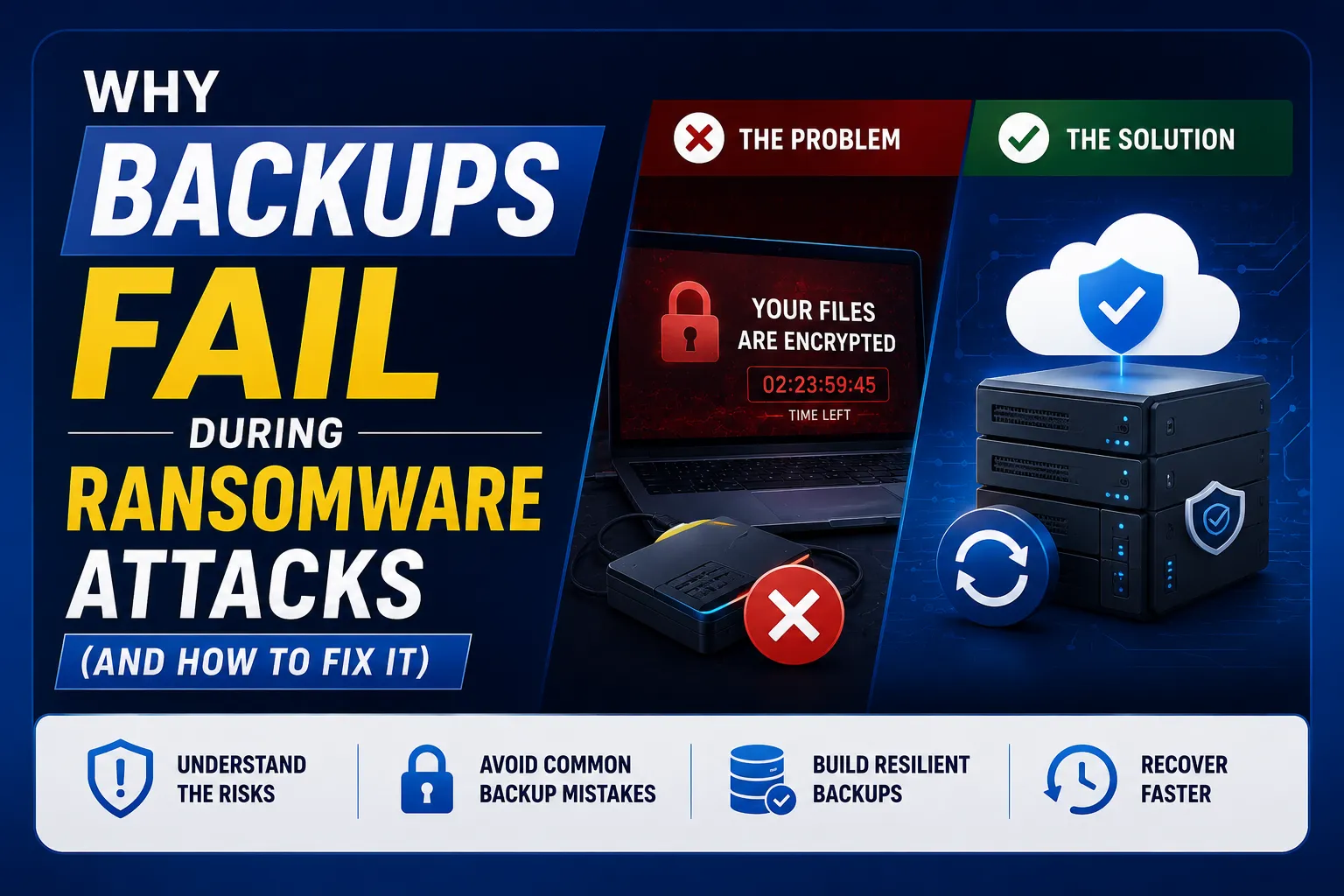
Quick Answer: Most backups fail during ransomware attacks because attackers find and destroy them before deploying the encryption payload. They also exploit connected backups, wait until backup data is already encrypted before triggering the attack, and use double extortion to make recovery from backups pointless. Having a backup is not enough – how that backup is structured determines whether you recover or pay.
Key Takeaways
- The average attacker dwell time inside a network in 2025 was 82 days – nearly three months of invisible access before a single file is encrypted. Your backup data is infected long before you know.
- 87% of 2025 ransomware attacks stole data before encrypting it – meaning even a successful backup restoration does not stop the threat of data being published publicly.
- Average recovery cost from a ransomware attack is $1.5 million – 50% above the average ransom demand, according to Sophos State of Ransomware 2025 – because recovery itself fails without a proper backup architecture.
- The median ransom paid by Australian SMBs in 2025 was $54,000 – and paying does not guarantee recovery.
- The solution is the 3-2-1-1-0 rule – three copies, two media types, one offsite, one offline or immutable, zero errors verified by testing.
- Australia’s Cyber Security Act 2024 requires businesses over $3 million turnover to report ransomware payments – making recovery capability a legal compliance issue, not just an IT one.
The Uncomfortable Truth About Backups and Ransomware
Most Australian businesses feel safe because they have a backup.
Most Australian businesses are wrong.
Having a backup and having a backup that survives a ransomware attack are two completely different things. Ransomware groups know this. They have known it for years. Their playbooks specifically include steps to find, infiltrate, and destroy backup systems – before they deploy the encryption that you will see.
Ransomware deployment happens after backup systems are targeted and deleted first. This is intentional. It is designed to maximise your leverage at the worst possible moment.
This guide explains exactly why backups fail – each specific failure reason – and what a backup architecture that actually survives looks like.
How Ransomware Actually Attacks Your Backups

Before covering why backups fail, you need to understand the attack timeline.
Ransomware is not a sudden event. It is a multi-week process.
Today’s ransomware attacks follow a six-stage lifecycle that unfolds over weeks or months before you see a ransom note:
Stage 1 – Initial Access: Attacker gets in via phishing email, stolen credential, or unpatched vulnerability. Your antivirus sees nothing unusual.
Stage 2 – Persistence: Attacker establishes a foothold quietly. On average, 82 days of invisible access.
Stage 3 – Discovery and Lateral Movement: Attacker maps your network, identifies your backup systems, finds your data locations, and harvests admin credentials.
Stage 4 – Data Exfiltration: Before any encryption, 87% of attacks steal your data. Now they have leverage even if you recover from backup.
Stage 5 – Backup Destruction: Attacker deletes, encrypts, or corrupts backup files and disables backup agents. This happens before step 6.
Stage 6 – Ransomware Deployment: The encryption payload runs. You now see the ransom note.
By the time you discover the attack, your backup system has already been compromised for weeks.
The 7 Reasons Backups Fail During Ransomware Attacks
Reason 1: Your Backup Is Reachable From the Network
The most important word in ransomware backup strategy is offline. Ransomware specifically targets and destroys reachable backups. If your backup is connected to your network or mapped as a drive letter, it will be encrypted alongside your primary data.
This is the most common backup failure mode – and the most avoidable.
A backup drive plugged into the server? Encrypted. A NAS device on the same network segment? Encrypted. A cloud backup where the ransomware group has stolen the admin credentials? Deleted. A mapped network drive used as a “backup location”? Encrypted before the primary files.
The fix: Your backup must be logically or physically separated from the environment it is backing up. Air-gapped, offline, or immutable. If ransomware running with admin credentials can reach your backup, it will destroy it.
Reason 2: Your Backup Contains Already-Corrupted Data
With 82 days of average dwell time, ransomware groups often begin quietly corrupting or encrypting files weeks before the visible attack. This means your most recent backup snapshots may already contain the corrupted files.
When you restore, you restore the attacker’s version.
Worse: if your backup only keeps a rolling 7 or 14-day window of versions, and the attack has been active for 30+ days, you may have no clean restore point available at all.
The fix: Extended version history and multiple recovery points. Your backup should maintain 90+ days of versioned snapshots with verified integrity. Recovery point testing – confirming the data at each snapshot is actually clean – is the only way to know you have a usable restore point.
Reason 3: You Have Never Tested the Restore
A backup you have never tested is not a backup. It is a hope.
Backup jobs complete successfully but restore jobs fail for completely different reasons – corrupted media, changed infrastructure, expired credentials, software version incompatibilities, incomplete file sets.
Having backups is not enough – they must actually work when you need them.
Most businesses last tested their backup restore when the backup was first configured. If that was two years ago, the infrastructure has changed, the software has been updated, and the credentials used in the backup job may have been rotated.
The fix: Test restoration monthly. A complete restore test – not just “the backup job completed successfully” – but actually restoring a server or application and confirming it functions. The test is the backup. Until you test, you have only a backup job.
Reason 4: Your Backup Admin Credentials Were Stolen
If a ransomware group has been inside your environment for 82 days, they have almost certainly stolen your backup admin credentials.
They use those credentials to:
- Log into your cloud backup portal and delete all recovery points
- Disable backup agents on servers
- Change backup encryption keys so you cannot decrypt the backup data
- Set data retention to zero, causing automatic deletion
The fix: Backup admin access must use separate credentials that are not stored on the domain or in the same credential store as everything else. Multi-factor authentication must be enabled on the backup management portal. Privileged Identity Management should apply – backup admin access should be just-in-time, not permanently active.
For the full identity protection picture, see our conditional access policy examples and identity lifecycle management guide.
Reason 5: Your Cloud Backup Is Not Truly Immutable
Many businesses believe their cloud backup is safe because it is “in the cloud.”
But a cloud backup where the customer has full administrative access – including the ability to delete it – is not immutable. An attacker with your cloud admin credentials can delete every recovery point in minutes. This has happened in real Australian incidents.
What immutability actually means: An immutable backup cannot be modified or deleted by anyone – including the backup admin – for a defined period. The immutability lock is enforced at the storage provider level, not the application level.
True immutability looks like:
- Microsoft Azure Immutable Blob Storage with compliance lock enabled
- AWS S3 Object Lock in compliance mode
- A Datto backup with cloud immutability enabled
- Veeam with immutable backup repository on object storage
A backup that is “offsite” is not automatically immutable. A backup that is “encrypted” is not automatically immutable. Immutability means it physically cannot be deleted or modified for the lock period – even by an administrator.
The fix: Verify with your backup provider whether your backups have immutability locks applied. If you cannot confirm this with certainty, assume they are not immutable.
Reason 6: Your Microsoft 365 Data Is Not Backed Up
This is the most dangerous assumption in Australian business IT in 2026.
Most businesses assume Microsoft backs up their Microsoft 365 data – Outlook emails, SharePoint files, Teams messages, OneDrive documents. Microsoft does not provide a full backup. Microsoft maintains infrastructure redundancy and offers a 93-day recycle bin and limited version history. This is not a backup.
If a ransomware group gains access to your Microsoft 365 admin account and bulk-deletes mailboxes, SharePoint sites, and OneDrive content – Microsoft’s built-in protections will not provide full recovery after 93 days. And sophisticated ransomware groups are specifically targeting Microsoft 365 environments.
The fix: A dedicated Microsoft 365 backup solution – Microsoft’s own M365 Backup add-on, Datto SaaS Protection, Veeam Backup for Microsoft 365, or equivalent – creates an independent copy of your M365 data with genuine restore capability.
Our M365 backup solutions guide and Datto SaaS Protection guide cover the specific options available to Australian businesses.
Reason 7: Double Extortion Makes Backup Restoration Irrelevant
Even if your backup architecture is perfect and you can restore every system cleanly – you may still not be safe.
87% of 2025 ransomware attacks exfiltrated data before encrypting it. This enables double extortion: the attacker threatens to publish your client data, employee records, financial information, and confidential business documents publicly – even if you restore from backup.
Restoring from backup stops the operational disruption. It does not stop the data leak threat.
This is why backup architecture must be paired with:
- Network segmentation – limiting how far an attacker can move laterally
- Security monitoring – detecting the attacker during the 82-day dwell time, before exfiltration
- Data classification – knowing what is sensitive and where it lives, so you can assess the scope of any exfiltration
Our how security monitoring works guide explains how to detect attackers during dwell time before they reach the data exfiltration stage.
The 3-2-1-1-0 Backup Rule: The Standard for Ransomware Resilience
The old 3-2-1 backup rule (three copies, two media types, one offsite) was designed for hardware failures. It is not designed for ransomware.
Experts now recommend the 3-2-1-1-0 approach, which ensures ransomware cannot encrypt all your backups at once.
What it means | |
3 | Three copies of your data – the original plus two backups |
2 | Two different media types – local backup AND cloud backup, not two local drives |
1 | One copy offsite – geographically separate from your primary location |
1 | One copy offline or immutable – completely unreachable by ransomware |
0 | Zero errors on backup restoration testing – verified, tested, confirmed working |
The critical additions from the original 3-2-1 rule are:
- The extra 1 (offline/immutable) – the copy ransomware definitively cannot reach
- The 0 – the requirement that you have actually tested restoration and it works
Combining cloud and on-site backups gives you maximum protection – but only when the cloud backup has true immutability and the local backup is not network-accessible.
Regular backups are also one of the Essential Eight mitigation strategies. Our Essential Eight assessment reviews backup coverage, access, retention and restore evidence alongside the other seven strategies.
What a Ransomware-Resistant Backup Architecture Looks Like

Here is a practical backup architecture for an Australian SMB:
Tier 1 – Local backup (fast recovery for common failures): A NAS device with local backup running nightly. Network-accessible but isolated on its own VLAN with restricted access. Good for recovering individual files quickly. Not your ransomware protection layer – this is your speed layer.
Tier 2 – Immutable cloud backup (ransomware protection layer): Cloud backup with immutability locks enabled. Separate admin credentials, MFA enforced. Cannot be deleted for 90 days regardless of what credentials are used. Datto, Veeam with object storage, Azure Backup with immutable vault, or Acronis Cyber Protect with cloud immutability. This is the copy ransomware cannot reach.
Tier 3 – Microsoft 365 dedicated backup: A separate product (M365 Backup, Datto SaaS Protection, Veeam for M365) backing up Exchange Online, SharePoint, Teams, and OneDrive independently of Microsoft’s built-in protections. Stored in the same immutable cloud environment.
Recovery testing: Monthly test – restore a specific server or a specific mailbox from Tier 2 backup. Document the restore time. Identify any gaps. Update the disaster recovery plan based on what you find.
RTO and RPO defined:
- Recovery Time Objective (RTO): how long can your business operate without this system? This is your maximum acceptable downtime.
- Recovery Point Objective (RPO): how much data can you afford to lose? This is your maximum backup interval.
If your RTO is 4 hours and your backup restores take 12 hours – you have a problem. This is discovered in testing, not during an actual attack.
Australian Compliance: Why Backup Failure Is Now a Legal Risk
The Cyber Security Act 2024 introduced mandatory ransomware payment reporting for Australian businesses with over $3 million annual turnover. If you pay a ransom, you must report it to the ACSC within 72 hours.
This makes backup adequacy a compliance issue. If you cannot recover from backup and are forced to pay – you now have a mandatory reporting obligation, legal exposure, and reputational risk.
The Privacy Act 1988 and the Notifiable Data Breaches scheme require organisations to assess whether a ransomware incident involved a breach of personal information. If attackers exfiltrated client data before encrypting it – a near-certainty with modern double extortion tactics – you have a notifiable data breach obligation, typically within 30 days.
Your ability to demonstrate the scope of what was accessed – and therefore whether notification is required – depends on your audit logs and security monitoring. Without these, you are forced to assume all personal data was exposed.
For Australian businesses, ransomware is not just a technical disaster. It is a financial, legal, and regulatory event.
Backup Failure Prevention Checklist
Use this to assess your current backup posture honestly.
Backup architecture:
- ☐ At least one backup copy is offline or immutable – not reachable by ransomware with admin credentials
- ☐ Immutability is confirmed with your provider – not assumed
- ☐ Backup admin portal has MFA enabled with separate credentials from your domain
- ☐ Cloud backup admin credentials are not stored on domain-joined machines
- ☐ Local backup NAS is on its own VLAN, not a mapped drive on the network
- ☐ Microsoft 365 data (Exchange, SharePoint, Teams, OneDrive) has a dedicated backup solution
Recovery capability:
- ☐ Restoration has been tested in the last 30 days
- ☐ A complete server restore has been tested – not just “backup job completed successfully”
- ☐ RTO and RPO are documented for all critical systems
- ☐ Recovery time from the immutable backup has been measured and compared to your RTO
- ☐ Version history extends at least 90 days to cover dwell time scenarios
Monitoring and detection:
- ☐ Security monitoring is in place to detect attacker activity during dwell time
- ☐ Alerts are configured for unusual backup deletion or modification events
- ☐ Backup job failures generate immediate alerts – not daily digest emails
Compliance:
- ☐ Backup capability is documented as part of your cyber incident response plan
- ☐ Ransomware response plan defines who contacts the ACSC and insurer if a ransom demand is received
- ☐ NDB assessment process is documented – who decides if a breach triggers notification obligations
Related Reading
- The Role of Disaster Recovery in Cybersecurity – How backup fits within a broader disaster recovery and business continuity plan
- M365 Backup Solutions – Backing up Microsoft 365 data beyond Microsoft’s built-in protections
- Datto SaaS Protection – Immutable cloud backup for Microsoft 365
- Cloud Backup Strategy – Building a complete cloud backup architecture
- How Security Monitoring Works – Detecting ransomware during dwell time before backup destruction
- Mastering Incident Response – What to do from the moment a ransomware attack is discovered
- EDR vs Antivirus – Why traditional antivirus misses ransomware during the dwell period
- Disaster Recovery Plan Checklist – The full disaster recovery planning framework
Frequently Asked Questions
Why do backups fail during ransomware attacks?
Backups fail during ransomware attacks for seven main reasons: the backup is connected to the network and gets encrypted alongside primary data; the backup contains already-corrupted data because attackers lurk for an average of 82 days before visible encryption; the backup has never been tested and fails when restoration is attempted; backup admin credentials were stolen during the dwell period and used to delete recovery points; the cloud backup lacks true immutability and can be deleted with stolen admin credentials; Microsoft 365 data is not separately backed up and Microsoft’s built-in protections are inadequate; and double extortion means attackers can still threaten to publish exfiltrated data even if backup restoration succeeds.
What is an immutable backup and why does ransomware require one?
An immutable backup is one that cannot be modified or deleted by anyone – including the backup administrator – for a defined lock period. This is enforced at the storage provider level, not the application level. Ransomware groups specifically target and destroy backup systems before deploying their encryption payload. A backup with standard admin credentials can be deleted with those credentials. An immutable backup with a compliance-mode lock cannot be deleted regardless of what credentials are presented. Examples include Azure Immutable Blob Storage with compliance lock, AWS S3 Object Lock in compliance mode, and Datto’s cloud immutability feature.
What is the 3-2-1-1-0 backup rule?
The 3-2-1-1-0 rule is the updated backup standard for ransomware resilience. Three copies of your data (original plus two backups), on two different media types (not two local drives), with one copy offsite, one copy offline or immutable (completely unreachable by ransomware), and zero errors confirmed through tested restoration. The additions to the original 3-2-1 rule are the offline/immutable copy – the layer ransomware definitively cannot reach – and the zero-errors requirement, which means you have actually tested restoration and confirmed it works.
Does Microsoft back up my Microsoft 365 data?
Microsoft protects the Microsoft 365 infrastructure – server availability, hardware redundancy, and geographic failover. Microsoft does not provide a full backup of your tenant data in the traditional sense. Built-in protections include a 93-day recycle bin for deleted items and limited version history. These are not sufficient protection against ransomware groups that gain admin credentials and bulk-delete mailboxes and SharePoint sites, or against the accidental deletion of critical data beyond the 93-day window. A dedicated Microsoft 365 backup solution – such as Microsoft 365 Backup, Datto SaaS Protection, or Veeam for Microsoft 365 – creates an independent, restorable copy of your Exchange, SharePoint, Teams, and OneDrive data.
What is double extortion ransomware?
Double extortion ransomware is an attack pattern where the attackers steal your data before encrypting it. Even if you restore from backup successfully and never pay the ransom, the attackers still threaten to publish your client data, employee records, and financial information publicly unless a ransom is paid. According to the CyberCX DFIR Threat Report 2025–26, 87% of 2025 ransomware attacks involved data exfiltration before encryption. This means backup recovery prevents the operational disruption but does not eliminate the data-leak threat.
What Australian laws apply when ransomware hits?
Two key obligations apply. Under the Cyber Security Act 2024, Australian businesses with over $3 million annual turnover must report ransomware payments to the ACSC within 72 hours of making or intending to make a payment. Under the Privacy Act 1988 Notifiable Data Breaches scheme, if the attack likely resulted in access to personal information that could cause serious harm, the organisation must notify the OAIC and affected individuals – typically within 30 days of becoming aware. With modern double extortion attacks, data exfiltration is the near-certain reality, making NDB assessment and notification obligations very likely to apply.
How do I test whether my backup will actually work?
Testing a backup means performing an actual restoration – not just checking that the backup job completed. Monthly testing should include restoring a specific server or virtual machine from your immutable cloud backup to a test environment, confirming the restored system boots and functions correctly, checking that restored data is complete and not corrupted, and measuring the actual time the restoration took compared to your Recovery Time Objective (RTO). The gap between your RTO and your actual tested recovery time is your real exposure. If you have never tested, you do not know this gap exists.
This guide is maintained by the CodeHyper security team. For a backup architecture assessment or ransomware resilience review for your Australian business, contact our team or visit codehyper.com.au.