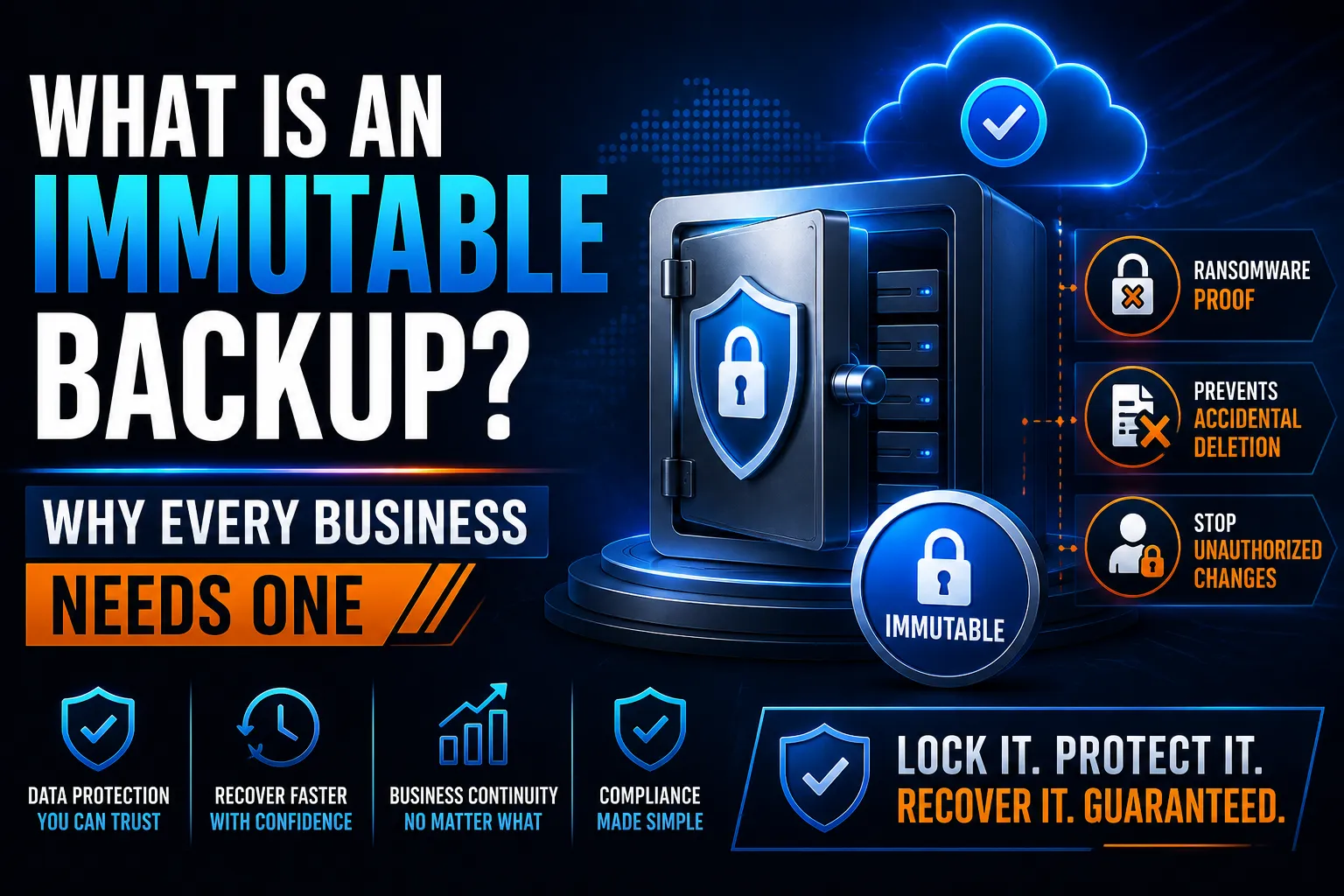
An immutable backup is a copy of your data that cannot be modified or deleted for a set period, by anyone, including your IT administrator. Even if a ransomware attacker steals your admin credentials, they cannot touch it. It is the only type of backup that survives a sophisticated ransomware attack.
Key Takeaways
- Immutable means the backup cannot be changed or deleted until the lock period expires. No exceptions, no overrides.
- Ransomware groups target and destroy backups before encrypting your data. Immutability is the control that stops this.
- A 7-day immutable window is not enough. Attackers often lurk for weeks before striking. A 30 to 90 day window is the defensible minimum.
- Microsoft 365 does not provide immutable backup by default. A dedicated platform is required.
- Immutable backup is directly referenced in the 3-2-1-1-0 rule and the ACSC Essential Eight.
- Options include object storage on AWS (S3 Object Lock), Azure (Immutable Blob Storage), Veeam, Datto, and Acronis.
What Does Immutable Actually Mean?
Immutable means unchangeable. In backup terms, it means the data cannot be altered, overwritten, or deleted for a defined period, no matter who tries.
This is enforced at the storage layer, not the software layer. Even an administrator with full credentials cannot delete an immutable backup before its lock expires.
The concept comes from WORM technology: Write Once, Read Many. Once written, the data cannot be changed. It can only be read until the retention period ends.
Why Do Businesses Need Immutable Backups?
Ransomware has changed the threat landscape for backups.
Modern ransomware groups spend days or weeks inside your network before triggering any encryption. During that time, they find your backup servers, your cloud backup credentials, and your network shares. They delete everything they can reach. Then they deploy the ransomware.
A conventional backup connected to your network is reachable with stolen credentials. An immutable backup is not. The storage layer enforces the lock regardless of who holds the credentials.
According to Sophos State of Ransomware 2025, 75% of ransomware victims could not fully restore from backup. Reaching backup data and destroying it before encryption is now standard attacker technique.
Immutability is the direct answer to this. It is not about better passwords or stronger firewalls. It is about making deletion physically impossible for the lock period.
How Long Should the Immutable Lock Period Be?

This is where most businesses get it wrong.
A common mistake is setting a 7-day immutable window. If an attacker has been inside your network for 14 days before you notice (which is shorter than the industry average), a 7-day window contains nothing clean to recover from.
Use this as a guide:
Business risk level | Recommended immutable window |
Lower risk, small team, limited data | 14 to 30 days |
Medium risk, client data, financial records | 30 to 60 days |
Higher risk, healthcare, legal, financial services | 60 to 90 days |
Essential Eight Maturity Level 3 | 90 days minimum |
Longer windows mean more storage cost. But recovering from a 90-day-old backup is far better than paying a ransom because no clean recovery point existed.
Is Immutable the Same as Offline?
No. They solve the same problem differently.
An offline backup is physically disconnected from the network. It cannot be reached because there is no connection.
An immutable backup stays connected but cannot be altered. The storage enforces the lock automatically.
Offline backup | Immutable backup | |
How it stays safe | Physical disconnection | Storage-layer lock |
Requires manual process | Yes, someone must disconnect and reconnect | No, fully automated |
Risk of human error | High if rotation lapses | Very low |
Suits cloud environments | No | Yes |
Best for | Air-gapped physical media | Cloud and managed backup |
For most Australian businesses, immutable cloud backup is the practical choice. Offline media rotation requires discipline that lapses under pressure. Immutability requires no ongoing human action.
Which Platforms Support Immutable Backup?

Several enterprise and SMB platforms offer genuine immutability:
Cloud storage providers:
- AWS S3 Object Lock (compliance mode) locks objects so even the account owner cannot delete them before expiry
- Azure Immutable Blob Storage with compliance lock enforces the same at the Microsoft platform level
Backup platforms:
- Veeam Backup and Replication supports immutable repositories on object storage (AWS, Azure, Wasabi, Backblaze B2)
- Datto BCDR includes immutable cloud retention as a standard feature
- Acronis Cyber Protect supports immutable backup in its cloud tier
For Microsoft 365: Microsoft 365 does not include immutable backup by default. The 93-day recycle bin is not immutable. A dedicated solution such as Datto SaaS Protection, Veeam Backup for Microsoft 365, or Microsoft 365 Backup (the paid add-on) is required and must be configured with immutability enabled.
When evaluating any provider, ask one question directly: can I delete this backup before the retention period expires? If the answer is yes, it is not truly immutable.
Our M365 backup solutions guide and Datto SaaS Protection guide cover the specific platforms and their immutability configurations.
What Are Immutability Lock Types?
Enterprise platforms offer two lock types. Understanding the difference matters before you configure anything.
Governance lock: Administrators with specific governance permissions can still override or delete the backup. Lower friction for IT teams but not fully ransomware-proof if admin credentials are compromised.
Compliance lock: Nobody can delete the backup before the retention period ends. Not the administrator, not the backup vendor, not the storage provider. This is the lock type that provides genuine ransomware protection.
For ransomware resilience, always use compliance lock mode.
Immutable Backup and Australian Compliance
Essential Eight
The ACSC Essential Eight requires that backups of important data be retained securely and that copies be held offsite or in a manner inaccessible to the primary environment. Immutable backup directly satisfies this requirement. At Maturity Level 2 and above, backup retention must be maintained even if systems are compromised. Immutability with compliance lock is the technical implementation of this control.
Privacy Act 1988 and NDB Scheme
If a ransomware attack destroys your backups and you cannot recover client personal information, you may face a notifiable data breach obligation under the NDB scheme. Demonstrating that immutable backups were in place, even if the live environment was compromised, significantly strengthens your position in any OAIC investigation.
Cyber Security Act 2024
Under the Cyber Security Act 2024, businesses over $3 million turnover must report ransomware payments to the ACSC within 72 hours. An immutable backup removes the need to pay. It is one of the most direct ways to avoid triggering this reporting obligation.
For the full Essential Eight mapping, see our Essential Eight checklist.
Does Immutable Backup Protect Against Accidental Deletion?

Yes, and this is underestimated.
The same storage-layer lock that stops a ransomware attacker also stops an administrator who accidentally deletes a backup or clears space under pressure. Immutability does not judge intent. It simply prevents deletion until the retention period ends.
This makes it valuable beyond ransomware defence. It is a practical control for everyday data governance.
Quick Checklist: Is Your Backup Genuinely Immutable?
Ask your IT team or backup provider these questions:
- Is immutability enforced at the storage layer or only at the application layer?
- Is compliance lock mode configured (not just governance lock)?
- How long is the immutable retention window?
- Can the backup be deleted by anyone before the lock expires?
- Is your Microsoft 365 data (Exchange, SharePoint, OneDrive) covered by immutable backup, or only your servers?
- When was the last time a restore from the immutable backup was tested?
If any answer is unclear or uncertain, the backup may not provide the protection you assume it does. See our guide on how to test backups without risking production data for the restore testing process.
Related Reading
- Why Backups Fail During Ransomware Attacks — The broader failure modes that immutability addresses
- How to Test Backups Without Risking Production Data — Validating your immutable backup with a real restore test
- How Often Should Businesses Test Backups — Setting the right testing schedule for your immutable backup
- M365 Backup Solutions — Immutable backup platforms for Microsoft 365
- Datto SaaS Protection — Immutable cloud backup for M365 environments
- Cloud Backup Strategy — Building the full backup architecture immutable backup sits within
- Essential Eight Checklist 2025 — Where immutable backup fits in the Essential Eight framework
Frequently Asked Questions
What is an immutable backup?
An immutable backup is a copy of your data that cannot be modified, overwritten, or deleted for a defined retention period. This protection is enforced at the storage layer, meaning it cannot be bypassed even by someone holding full administrator credentials. Once the backup is written, it stays unchanged until the lock period expires. This is what makes it effective against ransomware: even if attackers steal your admin password, they cannot delete or alter the backup.
Why does immutability matter for ransomware protection?
Modern ransomware groups target and destroy backups before encrypting live data. They use stolen administrator credentials to delete backup snapshots, clear retention, and wipe cloud backup portals. A conventional backup can be deleted this way. An immutable backup cannot, because the storage layer enforces the lock regardless of who holds the credentials. Immutability removes deletion as an option for anyone until the retention period ends.
Is offline backup better than immutable backup?
They address the same threat in different ways. An offline backup is physically disconnected, so it cannot be reached at all. An immutable backup remains connected but cannot be altered. Offline backup requires consistent human action to disconnect and reconnect media, which frequently lapses. Immutable backup is fully automated and works well in cloud environments. For most Australian businesses, immutable cloud backup is more reliable in practice because it does not depend on a process that can be forgotten during a busy period.
How long should an immutable backup be retained?
The retention period must exceed your likely attacker dwell time. Industry data shows attackers spend an average of several weeks inside networks before detection. A 7-day immutable window provides no protection against an attacker who has been present for 14 days. Most security practitioners recommend a minimum of 30 days for standard business data, 60 days for client data, and 90 days or more for regulated industries and Essential Eight Maturity Level 3 environments. Longer retention means higher storage cost, but that cost is trivial compared to paying a ransom or losing unrecoverable data.
Does Microsoft 365 include immutable backup?
No. Microsoft 365 does not provide immutable backup by default. The recycle bin retains deleted items for up to 93 days, but this is not immutable and can be cleared with administrator access. A dedicated Microsoft 365 backup solution with immutability enabled is required. Options include Microsoft 365 Backup (the paid Microsoft add-on), Veeam Backup for Microsoft 365, and Datto SaaS Protection. When configuring any of these, confirm that compliance lock mode is enabled, not just governance lock.
What is the difference between governance lock and compliance lock?
Governance lock allows administrators with specific override permissions to delete a backup before the retention period ends. It provides some protection but can be bypassed by a sufficiently privileged account. Compliance lock prevents anyone from deleting the backup before the retention period expires, with no exceptions and no overrides. For ransomware protection, compliance lock is the only configuration that provides genuine assurance. Always confirm which lock type your provider is using.