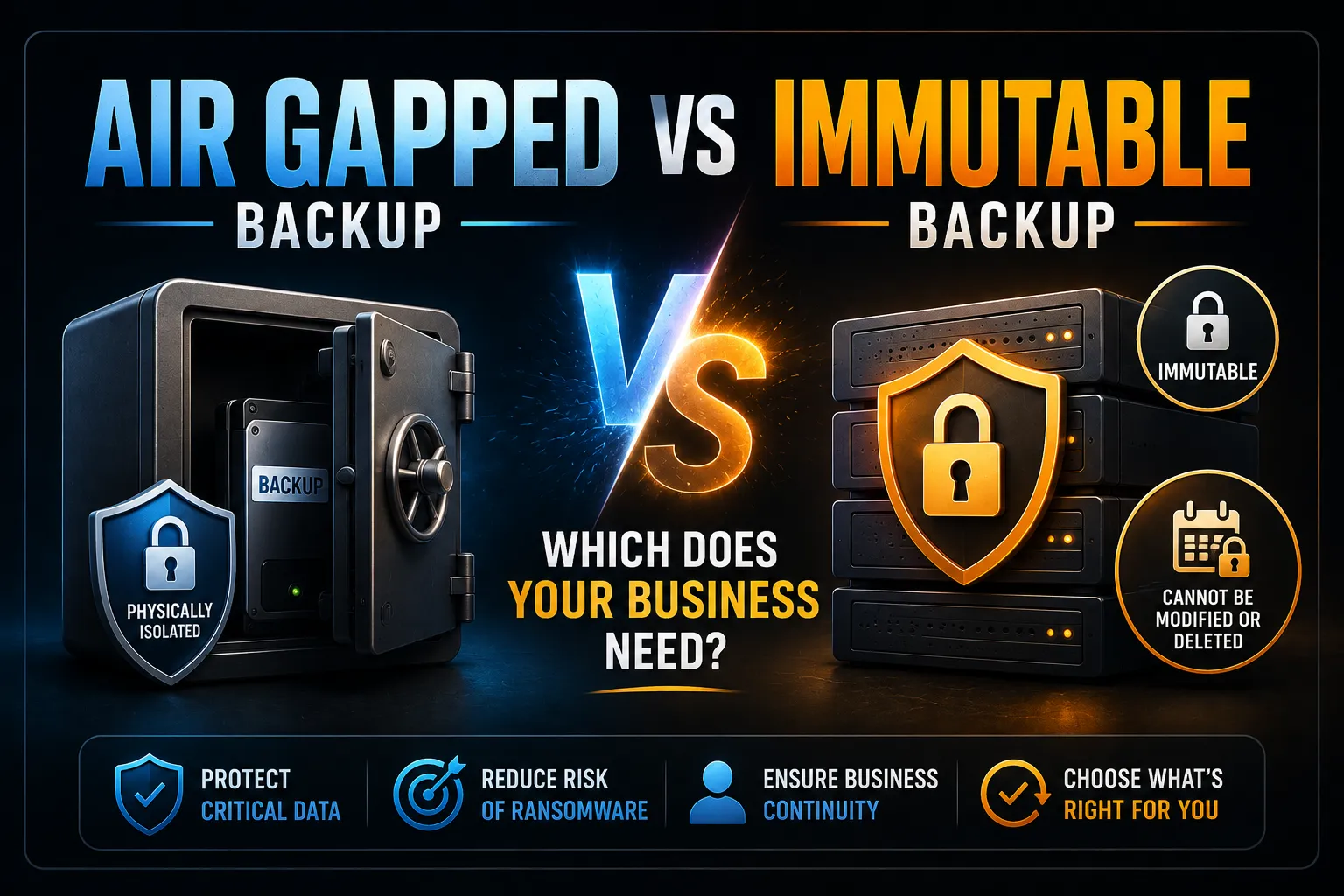
Air gapped and immutable backups both protect you from ransomware but in different ways. An air gapped backup is physically disconnected from your network so malware cannot reach it. An immutable backup stays online but cannot be changed or deleted by anyone until the lock period expires. For most Australian businesses, immutable backup is the practical choice for day-to-day protection. Air gapping adds a useful extra layer for long-term archiving.
Key Takeaways
- Air gapped means physically or logically disconnected. Immutable means online but write-locked at the storage layer.
- Ransomware actively hunts and destroys connected backups before encrypting your live data. Both approaches defend against this.
- Immutable backup is automated and requires no human action. Air gapping requires consistent media rotation that frequently lapses in practice.
- The 3-2-1-1-0 rule counts “offline OR immutable” as the same protection layer. You need one of them. Having both is better.
- For Australian businesses with Essential Eight obligations, immutable backup directly satisfies the Essential Eight backup control at Maturity Level 2 and above.
- Sophos research found that 75% of ransomware victims could not fully recover from backup in 2025. The main reason is that connected backups were destroyed before the ransom note appeared.
Are Air Gapped and Immutable Backups the Same Thing?
No. They solve the same problem in two different ways.
Both exist to keep at least one backup copy somewhere ransomware cannot destroy it. The difference is how that protection works.
Air gapped: protection by disconnection. The media has no network path so malware cannot reach it.
Immutable: protection by write-locking. The backup stays connected but the storage layer makes deletion and modification impossible until the retention period ends.
Understanding this distinction matters because modern ransomware does not simply encrypt your files and demand payment. It spends days or weeks mapping your network, finds your backup servers and cloud backup credentials, destroys everything it can reach, and then deploys the encryption payload. By the time you see the ransom note, your connected backups are already gone.
According to Mandiant M-Trends 2025, the median attacker dwell time before detection is 17 days. A backup connected to the same network as the compromised systems is reachable during every one of those days.
What Is an Air Gapped Backup?
An air gapped backup is a copy of your data stored on media that has no connection to your production network.
The term comes from the literal air gap between the backup media and your network. No cable, no Wi-Fi, no VPN tunnel. A ransomware attack running on your servers simply cannot see media it has no path to reach.
Common air gapped backup options include:
Tape drives: still widely used in enterprise environments for long-term archiving. Written, then ejected and stored offsite or in a fireproof safe.
Offline external hard drives: written to, then physically disconnected and locked away. Practical for smaller businesses.
Removable NAS with network disconnect: a NAS device that is connected only during the backup window and disconnected afterwards. Less common but workable with strict discipline.
The critical weakness: an air gap only holds when the media is actually disconnected. During the writing window, the media is connected. An attacker who is already present and monitoring your network can infect or encrypt the backup at the moment it is plugged in. This is a documented real-world attack pattern.
The second weakness is human reliability. Someone has to rotate the media on schedule, store it correctly, and reconnect it only when needed. In practice this process lapses. A busy month, a staff change, an overlooked alert. The discipline required is exactly the discipline that fails under operational pressure.
What Is an Immutable Backup?
An immutable backup is stored online but written in write-once, object-locked form. For the retention window you define, no one can modify, overwrite, or delete it. Not an administrator. Not your backup vendor. Not an attacker with stolen credentials.
This is enforced at the storage layer, not at the application layer. The distinction matters because application-level policies can be disabled by someone with the right credentials. Storage-layer object locking cannot be reversed until the retention period expires.
The technology behind this is called WORM: Write Once, Read Many. Once a backup is written to a WORM-compliant store with a lock applied, the data is fixed.
Immutable backup platforms for Australian businesses include:
AWS S3 with Object Lock in compliance mode. Available in the AWS Sydney and Melbourne regions. The compliance mode lock cannot be removed by any user including the account root.
Azure Blob Storage with immutability policy and compliance lock. Available in Australian East and Australia Southeast regions.
Veeam Backup and Replication with an immutable repository. Supports AWS, Azure, Wasabi, and Backblaze B2 as the underlying immutable store.
Datto BCDR and Datto SaaS Protection. Both include immutable cloud retention as standard. Datto stores backup data in Australian data centres by default.
Acronis Cyber Protect Cloud. Includes immutable backup in its cloud tier.
When evaluating any provider, ask one direct question: can I or anyone else delete this backup before the retention period expires? If the answer is yes, the backup is not genuinely immutable.
Air Gapped vs Immutable Backup: Side by Side
Air gapped backup | Immutable backup | |
How it protects | Physical disconnection from network | Storage-layer write lock |
Ransomware resistance | Strong when disconnected | Strong continuously |
Exposure window | Exists during write and read cycles | None |
Recovery speed | Slow (locate, connect, read media) | Fast (online, ready to restore) |
Requires manual process | Yes, media rotation on a schedule | No, fully automated |
Human error risk | High if rotation lapses | Very low |
Works in cloud environments | No | Yes |
Best use case | Long-term archiving, cold storage | Day-to-day ransomware protection |
Australian data centre options | Yes (physical media, onsite or offsite vault) | Yes (AWS Sydney, Azure Australia, Datto AU) |
The core insight from this table: air gapping has a connect-disconnect vulnerability window every time media is written. Immutability removes that window entirely because the backup never needs to be disconnected to stay safe.
Which One Does Your Australian Business Actually Need?
The short answer: most businesses should lead with immutable backup and treat air gapping as an optional extra layer.
Here is why.
Immutable backup is automated. Once configured, it requires no ongoing human action. It provides continuous, tamper-proof protection without anyone remembering to rotate drives.
Air gapping requires discipline that breaks down. The rotation schedule that works perfectly in month one is frequently missed by month six. The media stored in the filing cabinet is the media with a three-month-old recovery point when you actually need it.
Immutable backup also supports faster recovery. Restoring from an online, locked copy takes minutes to hours. Restoring from offline tape or an external drive that needs to be located, transported, and connected takes much longer.
The cases where air gapping adds genuine value:
Long-term archiving where data must be kept for 7 or more years and will rarely be accessed. Physical media in a secure offsite location is cost-effective for very long retention periods.
Regulatory cold storage where a specific regulation requires a fully network-isolated copy and cloud storage is not acceptable as a compliance answer.
Ultra-high-sensitivity data where you want a copy that no network path can ever reach under any circumstances, as a belt-and-braces addition to immutable backup.
For most Australian SMBs, mid-market businesses, and professional services firms: immutable cloud backup covers the practical protection requirement. Layer air gapping on top only if your risk assessment or compliance obligations specifically require it.
The 3-2-1-1-0 Rule: Where Both Fit
The 3-2-1-1-0 rule is the current gold standard for backup architecture, particularly for ransomware resilience.
3: Three copies of your data. 2: Two different media types. 1: One copy stored offsite. 1: One copy that is offline OR immutable. 0: Zero recovery errors, confirmed through tested restores.
The fourth digit is where air gapping and immutability meet. The rule treats them as interchangeable for this layer. Either satisfies the requirement of having one copy that ransomware cannot destroy.
For most Australian businesses, an immutable cloud backup satisfies this digit automatically. An air-gapped copy can be added as a second protected copy if your risk appetite justifies it.
The zero is the requirement most businesses skip. A backup you have never tested is not a recovery plan. It is an assumption. See our guide on how to test backups without risking production data for the testing process.
Compliance: How Each Approach Maps to Australian Requirements
ACSC Essential Eight
The Essential Eight requires that backups of important data, software, and configuration settings are maintained, retained for a defined period, and protected from unauthorised access. At Maturity Level 2 and above, backups must be retained in a manner that prevents them from being modified or deleted by an attacker who has compromised the primary environment.
Immutable backup with compliance lock directly satisfies this requirement. Air gapped backup also satisfies it when the media is properly stored and rotated.
At Maturity Level 3, restoration from backup must be tested and must achieve defined RTO and RPO targets. This requirement applies regardless of whether you use air gapped or immutable backup.
Privacy Act 1988 and Notifiable Data Breaches Scheme
If ransomware destroys your backups and you cannot recover client personal information, the OAIC will ask whether reasonable steps were taken to protect that data. Demonstrating that an immutable backup was in place, configured with a compliance-mode lock and a retention window covering the likely dwell time, provides a strong response to this question.
Cyber Security Act 2024
Businesses with over $3 million annual turnover must report ransomware payments to the ACSC within 72 hours of making or intending to make a payment. Both air gapped and immutable backups reduce the probability of reaching that point by ensuring a clean recovery copy survives the attack.
For the full Essential Eight control mapping, see our Essential Eight checklist.
Governance Lock vs Compliance Lock: The Detail That Matters
When configuring immutable backup, most enterprise platforms offer two lock types. Choosing the wrong one undermines the entire protection.
Governance lock: administrators with specific override permissions can still delete the backup before the retention period expires. This provides some protection but does not defend against an attacker who has escalated to administrator-level access.
Compliance lock: nobody can delete the backup until the retention period expires. Not the administrator. Not the storage vendor. Not the cloud provider. This is the configuration that provides genuine ransomware resilience.
Always configure compliance lock for ransomware protection. Governance lock is appropriate for internal governance use cases where administrator override is a legitimate requirement. It is not appropriate as a ransomware defence.
Setting the Right Retention Window
For immutable backup, the retention window must exceed your likely attacker dwell time. An immutable window shorter than the time an attacker spends inside your network before you detect them produces no clean recovery point.
A 7-day immutable window against a 17-day median dwell time leaves you with no clean snapshots to restore from.
Business type | Recommended minimum retention |
Small business, standard risk | 30 days |
Professional services with client data | 60 days |
Healthcare, legal, financial services | 90 days |
Essential Eight Maturity Level 3 | 90 days minimum |
Longer retention means higher storage cost. For most Australian businesses, 30 to 60 days represents a practical and defensible starting point.
What Good Looks Like: A Combined Approach
The most resilient backup architecture for an Australian business combines both approaches in a deliberate structure.
Primary backup: local backup for fast granular file recovery. Not immutable. Not the ransomware protection layer. This is the speed layer.
Immutable cloud backup: offsite, compliance-locked, with a 30 to 90 day retention window. This is the ransomware protection layer. Restored automatically from an online copy.
Air gapped archive (optional): quarterly or annual backup to offline tape or removable media, stored in a fireproof safe or offsite vault. This covers ultra-long retention requirements and regulatory cold storage where the cost and effort are justified by the specific requirement.
Tested restores: monthly granular restores and quarterly full system restores confirmed against documented RTO and RPO targets. The protection is only real if recovery has been demonstrated.
This architecture satisfies 3-2-1-1-0, meets Essential Eight backup controls at Maturity Level 2 and above, and provides defensible evidence of reasonable steps under the Privacy Act.
Related Reading
- Immutable Backup — Full guide to what immutable backup is and how to configure it
- Why Backups Fail During Ransomware Attacks — The attack patterns that air gapped and immutable backup defend against
- How to Test Backups Without Risking Production Data — Validating your backup with actual restore tests
- How Often Should Businesses Test Backups — Setting the right testing schedule
- M365 Backup Solutions — Immutable backup options for Microsoft 365 data
- Datto SaaS Protection — Australian-hosted immutable backup for M365
- Cloud Backup Strategy — Building the full backup architecture
- Essential Eight Checklist 2025 — Where backup resilience maps to Essential Eight controls
Frequently Asked Questions
What is the difference between air gapped and immutable backup?
An air gapped backup is stored on media physically or logically disconnected from your network. Malware cannot reach what has no network path to it. An immutable backup stays online but is written in write-once, object-locked form. During the retention period, no one including an administrator or an attacker with stolen credentials can modify or delete it. Both approaches protect at least one copy of your data from ransomware destruction. The difference is how: air gapping uses disconnection, immutability uses a storage-layer write lock.
Are air gapped and immutable backups the same thing?
No. They achieve similar ransomware resilience through different mechanisms. Air gapping relies on physical disconnection. Immutability relies on a storage-layer lock that makes modification impossible regardless of credentials. The key practical difference is that air gapping has a vulnerability window each time the media is connected for writing. Immutability has no such window because the backup never needs to be connected or disconnected to maintain its protection.
Can ransomware destroy an immutable backup?
No. While the object-lock retention window is active, the data cannot be modified or deleted at the storage layer. This is enforced by the storage system itself and not by a policy that an attacker could disable. An attacker who holds full administrator credentials and attempts to delete a compliance-locked immutable backup will be denied at the storage layer. This protection is what makes immutable backup fundamentally different from conventional connected backups, which can be deleted using stolen credentials.
Which is better for Australian businesses: air gapped or immutable backup?
For most Australian businesses, immutable backup is the more practical primary choice. It is fully automated, requires no ongoing human action, provides continuous protection with no exposure window, and supports fast online restores. Air gapping requires consistent media rotation that frequently lapses under operational pressure and produces slow restores from offline media. Air gapping adds genuine value for long-term archiving, regulatory cold storage, and scenarios where a fully network-isolated copy is specifically required. For day-to-day ransomware resilience, immutable cloud backup with compliance lock is the more reliable and operationally sustainable option.
What does the 3-2-1-1-0 backup rule mean?
The 3-2-1-1-0 rule is the current backup architecture standard for ransomware resilience. Three copies of your data, on two different media types, with one copy offsite, one copy that is offline or immutable, and zero recovery errors confirmed through tested restores. The fourth digit is where air gapping and immutability meet: the rule treats them as interchangeable for the protected-copy requirement. Either satisfies the need for one copy that ransomware cannot destroy. The final zero is the requirement most businesses skip. A backup never tested is not a recovery guarantee.
Does Essential Eight require air gapped or immutable backup?
The ACSC Essential Eight does not specify air gapped or immutable backup by name. It requires that backups are maintained, retained for a defined period, and protected from unauthorised modification or deletion by an attacker who has compromised the primary environment. Both air gapped and immutable backup satisfy this requirement when correctly configured. At Maturity Level 2 and above, the key requirement is that at least one copy cannot be destroyed by an attacker with administrator-level access. Immutable backup with compliance lock directly satisfies this. Air gapped backup satisfies it when media is stored securely and not connected during an active compromise.
This guide is maintained by the CodeHyper security team. For immutable backup configuration or a full backup architecture assessment for your Australian business, contact our team at codehyper.com.au/contact-us/ or visit codehyper.com.au.