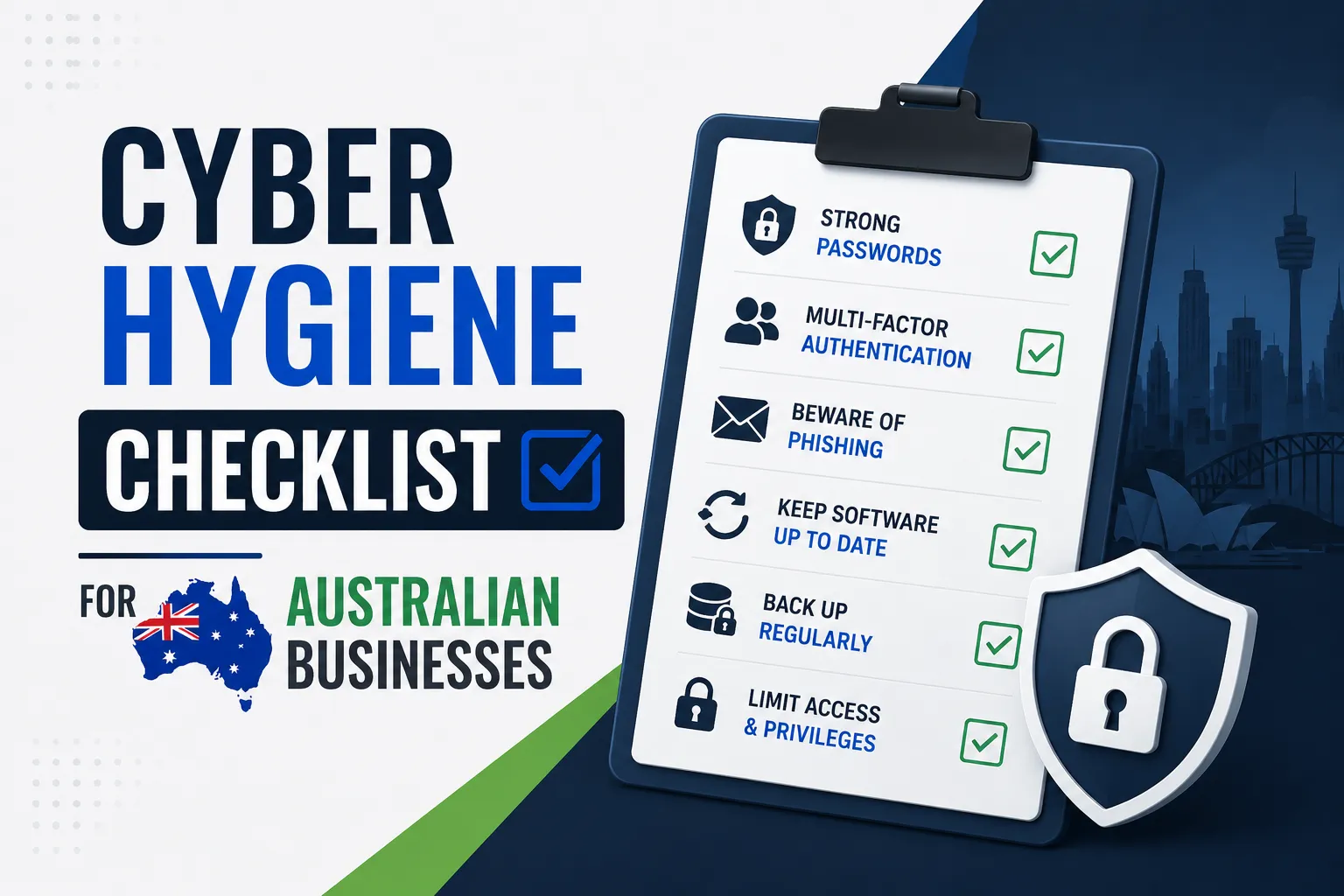
Quick Answer: Cyber hygiene is the set of regular habits and controls that keep your business protected from the most common cyber attacks. The Australian standard is the ACSC Essential Eight. This checklist covers all eight controls in plain language, with a four-week implementation plan so you can act on it today, not just read it.
Key Takeaways
- The ASD Cyber Threat Report 2024 recorded 94,000 cybercrime reports in Australia. One every six minutes.
- The ACSC Essential Eight is the official Australian cyber hygiene baseline. It stops the majority of attacks when implemented at Maturity Level 1.
- MFA and tested backups are the two highest-impact controls. Do these first.
- Windows 10 reaches end of life in October 2025. Any business still running it is carrying permanent unpatched vulnerabilities from that date.
- Cyber insurers now require MFA, tested backups, and documented patching as minimum conditions for coverage in Australia.
- Everything in this checklist is achievable by any Australian SMB within four weeks without specialist tools.
What Is Cyber Hygiene and Why Does It Matter for Australian Businesses?
Cyber hygiene is exactly what it sounds like. Just as personal hygiene prevents illness, cyber hygiene prevents attacks.
It is not about having the most advanced security tools. It is about doing the basics consistently.
The ASD Cyber Threat Report 2024 found that the average Australian SMB loses $49,600 per cybercrime incident. Most of those incidents exploit simple gaps: no MFA, unpatched software, reused passwords, or backups that nobody tested.
The ACSC Essential Eight is the Australian Government’s answer to this. Eight specific controls that, when implemented together, stop the majority of common attacks before they cause harm.
This checklist walks through every control. Tick them off. Build the habit. The businesses that recover well from incidents are not the ones with the most sophisticated defences. They are the ones who had the basics working.
The Cyber Hygiene Checklist: All 8 Controls
1. Enable Multi-Factor Authentication on Every Account
MFA is the single highest-return control on the list. It stops credential attacks even when passwords are stolen.
A stolen password without the second factor is useless to an attacker. Microsoft’s own research shows MFA blocks 99.9% of automated account takeover attempts.
What to action:
- Enable MFA on every Microsoft 365 account via Conditional Access, not the legacy per-user MFA setting
- Enable MFA on Google Workspace, banking portals, accounting software, and any remote access tool
- Use Microsoft Authenticator or Google Authenticator, not SMS codes. SMS is vulnerable to SIM-swap attacks
- For admin accounts, use phishing-resistant MFA: FIDO2 security keys or Windows Hello for Business
- Set a Conditional Access policy in Microsoft 365 that blocks sign-in if MFA is not completed
If you do nothing else on this list this week, do MFA. It is the fastest way to close the most dangerous open door in your environment.
Our Conditional Access policy examples show the exact policies to configure in Microsoft Entra ID.
2. Test Your Backups, Not Just Run Them
A backup job completing successfully tells you data was copied. It tells you nothing about whether you can recover from it.
Untested backups fail when businesses need them most. This is not a hypothetical. It happens regularly.
What to action:
- Run a restore test every quarter. Pick a specific file, a folder, and a full system image. Actually restore them and confirm they work
- Follow the 3-2-1-1-0 rule: three copies, two media types, one offsite, one immutable or offline, zero unverified errors
- Ensure at least one backup copy is immutable so ransomware cannot delete it even with stolen admin credentials
- Microsoft 365 is not backed up by Microsoft. A dedicated backup tool is required for Exchange, SharePoint, Teams, and OneDrive
- Document every restore test with the date, what was tested, and whether it passed
See our guides on why backups fail during ransomware attacks and how to test backups safely.
3. Patch Applications Within 48 Hours of a Critical Update
Attackers scan for unpatched software and exploit known vulnerabilities within days of a patch being released. The Essential Eight requires critical patches applied within 48 hours and all others within two weeks.
What to action:
- Enable automatic updates for all internet-facing software: browsers, email clients, PDF readers, Office applications
- Use your RMM platform or patch management tool to enforce patch compliance across all devices
- Set a patching schedule. Review outstanding patches weekly. Do not let them accumulate
- Keep a patching log showing what was applied and when. Insurers and auditors ask for this
- Remove or replace any software that no longer receives security updates
4. Patch Operating Systems on the Same 48-Hour Schedule
The same patching rules apply to operating systems. Windows, macOS, and Linux all release security patches regularly. Leaving them unapplied is leaving a known unlocked door.
What to action:
- Enable automatic updates for all workstations
- Schedule a monthly server patching window. Apply all outstanding patches in that window
- Audit for any devices running end-of-life operating systems
- Windows 10 reached end of life in October 2025. Any machine still running it receives no further security patches from Microsoft. This is a priority to address now
5. Restrict Administrative Privileges to Those Who Need Them
Admin accounts are the highest-value target in any environment. Every unnecessary admin account is an extra attack surface.
What to action:
- Audit all admin accounts. Remove admin rights from anyone who does not genuinely need them for their role
- Use separate admin accounts for administrative tasks. Admin accounts should not be used for email, browsing, or daily work
- Require admin accounts to use phishing-resistant MFA as a minimum
- Enable Microsoft Entra Privileged Identity Management (PIM) so admin rights are activated just-in-time rather than permanently assigned
- Review admin account membership quarterly
Our identity lifecycle management guide covers the full access governance process.
6. Configure Microsoft Office Macros to Block Untrusted Sources
Macros in Office documents are a common malware delivery method. An attacker emails a Word or Excel file with a malicious macro. One click from a staff member executes it.
What to action:
- Block all macros from the internet by default in Microsoft 365 via Intune or Group Policy
- Create an approved list of signed macros your business actually uses. Most businesses need very few
- Disable macros from all sources for users who never need them
- Communicate the change to staff before implementing it. Explain why. Expect some questions
7. Harden User Applications and Browsers
Browser-based attacks are one of the most common infection paths for Australian SMBs. Hardening browsers closes this directly.
What to action:
- Configure enterprise browser policies to block access to known malicious sites. Both Microsoft Edge and Google Chrome support this centrally
- Disable unnecessary browser extensions and plugins. Audit what is installed across your fleet
- Block Java in browsers unless a specific application requires it
- Disable Flash entirely. It is end of life and no longer receives security updates
- Use Microsoft Defender SmartScreen or Google Safe Browsing in enhanced mode
8. Implement Application Control on Workstations
Application control means only approved software can execute on your workstations. Malware that lands on a machine cannot run because it is not on the approved list.
This is the most powerful control on the list. It is also the most complex to implement.
What to action:
- Start with a software inventory. Know every application installed across your devices
- Deploy Windows Defender Application Control (WDAC) in audit mode first. This logs what would have been blocked without blocking anything, so you can tune your approved list
- Run audit mode for two weeks before switching to enforcement
- Build your approved list from the audit results
- Plan for exceptions and have a process for approving new software
Do not rush this control. A poorly implemented application control policy generates too many false positives and staff find workarounds. The value comes from doing it properly, even if it takes longer.
Your Four-Week Cyber Hygiene Implementation Plan
Most Australian SMBs can reach Essential Eight Maturity Level 1 in four weeks by working through these controls in the right order.
Week 1: Enable MFA on every account. Configure backup jobs and verify they are running. Document your current state so you know your starting point.
Week 2: Audit and apply outstanding patches for applications and operating systems. Remove unnecessary admin privileges. Keep a log of everything changed.
Week 3: Configure macro settings in Microsoft 365. Apply browser hardening policies. Communicate both changes to staff with a short explanation of why.
Week 4: Begin application control in audit mode. Run a full backup restore test. Review what would have been blocked in audit mode and refine your approved list.
The reason this order works: MFA and backups deliver the most risk reduction immediately with the least disruption. Everything else builds on that foundation. Businesses that try to implement application control before they have working backups and MFA create complexity without the protective foundation underneath it.
The Controls That Matter Most for Australian Compliance
ACSC Essential Eight and Maturity Levels
The Essential Eight defines three maturity levels. Maturity Level 1 mitigates automated opportunistic attacks and is the right initial target for most Australian SMBs. Level 2 addresses more sophisticated attacks. Level 3 is designed for organisations facing targeted or nation-state threats.
The advice: do not chase Level 3 as a first goal. Get Level 1 working properly. A business with solid Level 1 controls is significantly better protected than one attempting Level 3 with poorly implemented controls throughout.
Cyber Insurance Requirements
Australian cyber insurers now treat MFA, tested backups, and documented patching as minimum conditions for coverage. Insurers that find these controls were absent at the time of a breach may decline the claim entirely.
Maintaining a patching log, backup test records, and evidence of MFA configuration directly supports your position at renewal. These are documents your insurer may request.
Privacy Act 1988 and the NDB Scheme
Under the Notifiable Data Breaches scheme, if a cyber incident exposes personal information likely to cause serious harm, you must notify the OAIC and affected individuals. The OAIC asks whether reasonable steps were taken to protect the data.
Implementing the Essential Eight controls is the Australian standard for what “reasonable steps” looks like. Documented compliance strengthens your position significantly in any regulatory review.
Cyber Hygiene Checklist: Print and Use
Print this and tick each item off as your team completes it.
Identity and Access:
- All Microsoft 365 accounts have MFA enabled via Conditional Access
- All other business accounts (banking, accounting, CRM, remote access) have MFA enabled
- Authenticator app used for MFA, not SMS codes
- Admin accounts use phishing-resistant MFA (FIDO2 or Windows Hello)
- Admin privileges audited. Unnecessary admin rights removed
- Separate admin accounts used only for admin tasks
Backups:
- Daily backup jobs confirmed running for all critical data
- Microsoft 365 backup (Exchange, SharePoint, OneDrive, Teams) covered by dedicated backup tool
- At least one backup copy is immutable or offline
- Restore test completed in the last 90 days with documented result
- 3-2-1-1-0 rule applied to backup architecture
Patching:
- Critical patches applied within 48 hours across all applications
- Operating system patches applied within 48 hours for critical updates
- End-of-life software and operating systems identified and scheduled for replacement
- Patching log maintained showing dates and what was applied
Applications and Browsers:
- Office macros blocked from internet sources by default
- Browser enterprise policies applied across all devices
- Unnecessary browser extensions removed
- Java disabled in browsers unless specifically required
- Application control deployed in audit mode and approved list in progress
Staff:
- All staff have completed a security awareness session in the last 12 months
- Phishing simulation run in the last six months
- New starter security induction includes cyber hygiene basics
- Incident reporting procedure communicated to all staff
Related Reading
- Conditional Access Policy Examples – Configuring MFA and device controls in Microsoft Entra ID
- Essential Eight Checklist 2025 – Full maturity level mapping for every Essential Eight control
- Endpoint Hardening Checklist – Detailed device hardening aligned to the Essential Eight
- Why Backups Fail During Ransomware Attacks – Why tested, immutable backups matter
- Spear Phishing vs Phishing – The email attacks your staff training needs to cover
- Security Awareness Training – Staff training that reduces phishing click rates from 33% to under 5%
- Cyber Risk Management – Building a risk management framework around these controls
- Microsoft 365 Security – Securing the Microsoft 365 environment your cyber hygiene controls protect
Frequently Asked Questions
What is a cyber hygiene checklist?
A cyber hygiene checklist is a structured list of security controls and habits that reduce the risk of a cyber attack on a business. For Australian businesses, the ACSC Essential Eight is the definitive cyber hygiene checklist. It covers eight controls: MFA, application patching, OS patching, macro configuration, user application hardening, admin privilege restriction, application control, and tested backups. When implemented at Maturity Level 1, these controls stop the majority of common cyber attacks.
What is the most important item on a cyber hygiene checklist?
Multi-factor authentication is consistently the highest-return item. It stops credential attacks even when passwords are stolen, and passwords are stolen constantly through phishing, breaches, and password spray attacks. The second most important is tested backups. MFA prevents most attacks from succeeding. Tested backups ensure that if an attack does succeed, the business can recover without paying a ransom. Both are required by Australian cyber insurers in 2026.
How long does it take to implement basic cyber hygiene?
Four weeks is achievable for most Australian SMBs reaching ACSC Essential Eight Maturity Level 1. Week 1 covers MFA and backup verification. Week 2 covers patching and admin privilege cleanup. Week 3 covers macro configuration and browser hardening. Week 4 begins application control in audit mode and includes a backup restore test. The order matters. MFA and backups first because they deliver the most risk reduction immediately.
Do Australian small businesses need the ACSC Essential Eight?
The Essential Eight is recommended for all Australian businesses, not just large enterprises. Australian cyber insurers now use it as a baseline for coverage decisions. The Privacy Act 1988 NDB scheme requires businesses to demonstrate they took “reasonable steps” to protect personal information after a breach, and the Essential Eight is the recognised standard for what reasonable steps look like in Australia. Small businesses with fewer than 20 employees can access free ACSC cyber resilience services including a Cyber Health Check Tool.
What does cyber hygiene have to do with cyber insurance?
Australian cyber insurers now explicitly require certain cyber hygiene controls as conditions of coverage and renewal. In 2026, the baseline requirements include MFA on all accounts, regular patching with documented evidence, and backup restore testing with records. If these controls are not in place and a breach occurs, insurers may reduce or decline the claim. Businesses that can demonstrate Essential Eight Maturity Level 1 are in a significantly stronger position at renewal and often receive better premium terms.
What is the difference between cyber hygiene and cybersecurity?
Cyber hygiene is the routine, ongoing practice of maintaining basic security controls: keeping software patched, using strong authentication, testing backups, and training staff. Cybersecurity is the broader discipline that includes architecture, monitoring, incident response, and governance. Cyber hygiene is the foundation that cybersecurity builds on. A business with excellent cyber hygiene but no sophisticated security tools is better protected than a business with advanced tools but poor hygiene. Start with hygiene.
This guide is maintained by the CodeHyper security team. For help implementing these controls or an Essential Eight maturity assessment for your Australian business, contact our team at codehyper.com.au/contact-us/ or visit codehyper.com.au.